shadcn.io is an independent project built on shadcn/ui
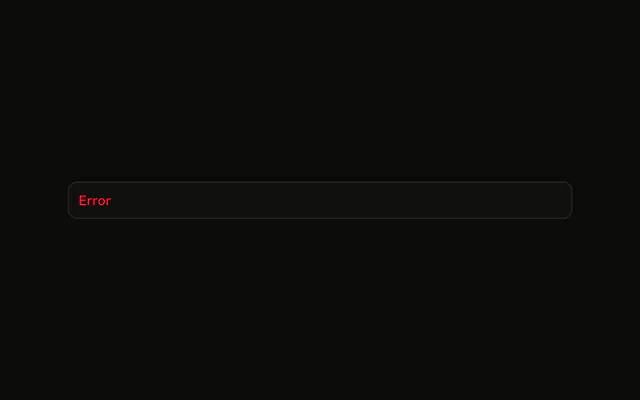
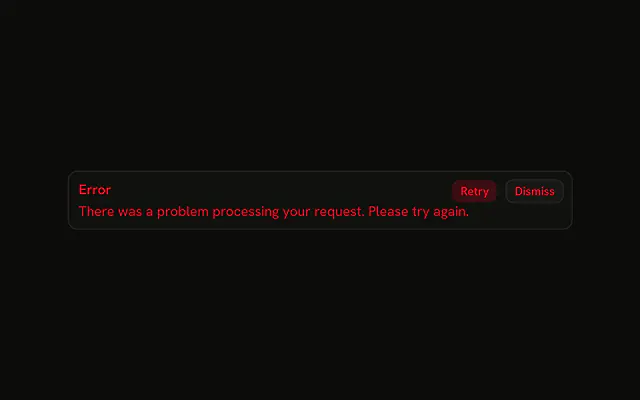
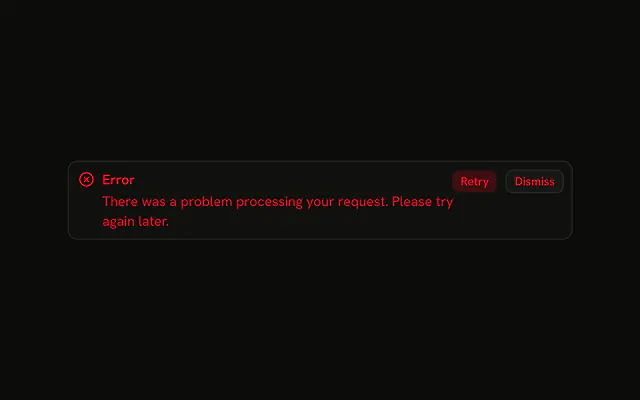
The title Error in the destructive color, with Retry and Dismiss beside it. There is no icon and no second line. The buttons are not wired.
Use it for a short failure people can retry, such as a dropped request. If they need the reason, put it on the Field that failed. In React, Base UI will not dismiss this alert.
Installation
Sign in to get your install command
Free with an account. It carries your token, so the CLI installs everything in one go.
Use email insteadNo credit card
Anatomy

Usage
<Alert className="max-w-lg" variant="destructive">
  <AlertTitle>Error</AlertTitle>
  <AlertAction className="flex gap-2">
    <Button size="xs" variant="destructive">
      Retry
    </Button>
    <Button size="xs" variant="outline">
      Dismiss
    </Button>
  </AlertAction>
</Alert>
FAQ
What is in this alert besides the title?
Retry and Dismiss, inside one AlertAction. The alert is variant="destructive" with a single AlertTitle and no description.
API Reference
Alert
Sets variant="destructive". The rest is on the Alert page.
Button
Sets size="xs", variant="destructive" and variant="outline". The rest is on the Button page.