shadcn.io is an independent project built on shadcn/ui
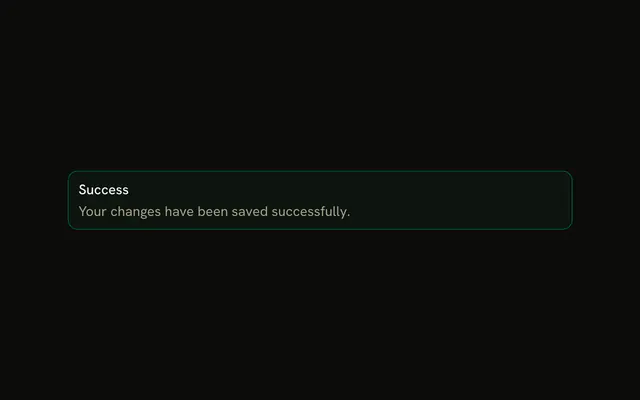
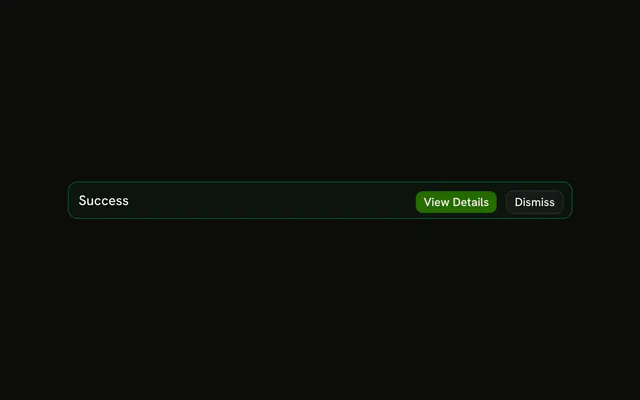
The title Success, a saved-changes sentence, and View Details plus Dismiss. No icon. The frame is success-tinted. The buttons do nothing here.
Use it when the confirmation should stay and offer a follow-up. For a flash of success, use Sonner. In React, Base UI does not wire View Details.
Installation
Anatomy

Usage
<Alert className="max-w-lg" variant="success">
  <AlertTitle>Success</AlertTitle>
  <AlertDescription>
    Your changes have been saved successfully.
  </AlertDescription>
  <AlertAction className="flex gap-2">
    <Button size="xs">View Details</Button>
    <Button size="xs" variant="outline">
      Dismiss
    </Button>
  </AlertAction>
</Alert>
FAQ
Which parts does this success alert include?
AlertTitle, AlertDescription, and View Details plus Dismiss in AlertAction. The root is variant="success" with className="max-w-lg". There is no icon.
How do I create hierarchy in success alerts?
The parts already do it: the title is heavier than the muted description, and the filled View Details button stands out from the outlined Dismiss. The green tint frames the whole alert without competing with either.
What does the description say?
"Your changes have been saved successfully." That string is the AlertDescription. The title is the word Success.
Do View Details and Dismiss do anything here?
No. Neither button has a click handler. Alert has no built-in dismiss, so hiding it is your state.
When should I use success alerts vs success toasts?
Use an alert when the confirmation should stay on the page, especially with a follow-up action. Use a toast, such as Sonner, for a quick confirmation that should disappear on its own.
API Reference
Alert
Sets variant="success". The rest is on the Alert page.
Button
Sets size="xs" and variant="outline". The rest is on the Button page.