shadcn.io is an independent project built on shadcn/ui
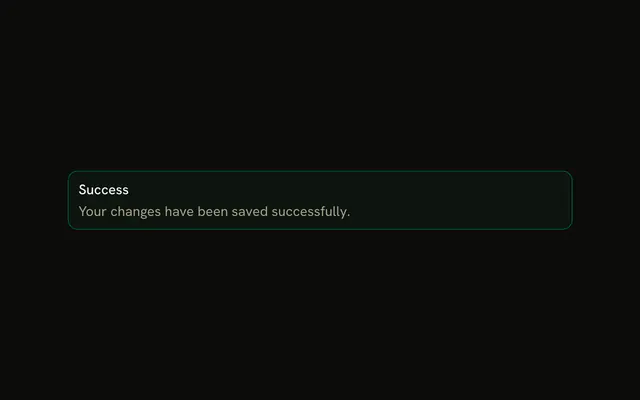
The title Success on a success-tinted alert, with View Details and Dismiss. No icon and no description. Neither button has a handler.
Use it after a save when people might want the details. If the confirmation can fade, use Sonner. In React, Base UI does not close the alert.
Installation
Sign in to get your install command
Free with an account. It carries your token, so the CLI installs everything in one go.
Use email insteadNo credit card
Anatomy

Usage
<Alert className="max-w-lg" variant="success">
  <AlertTitle>Success</AlertTitle>
  <AlertAction className="flex gap-2">
    <Button size="xs">View Details</Button>
    <Button size="xs" variant="outline">
      Dismiss
    </Button>
  </AlertAction>
</Alert>
FAQ
What sits next to the Success title?
View Details and Dismiss, in one AlertAction. The alert is variant="success" with a single AlertTitle and no description.
Where are the buttons positioned?
AlertAction is absolutely positioned at the top right, and the alert adds right padding so the title keeps its room. className="flex gap-2" puts the two buttons in one row.
API Reference
Alert
Sets variant="success". The rest is on the Alert page.
Button
Sets size="xs" and variant="outline". The rest is on the Button page.