shadcn.io is an independent project built on shadcn/ui
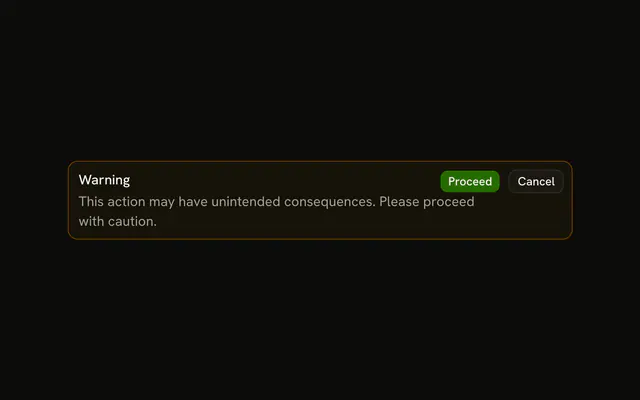
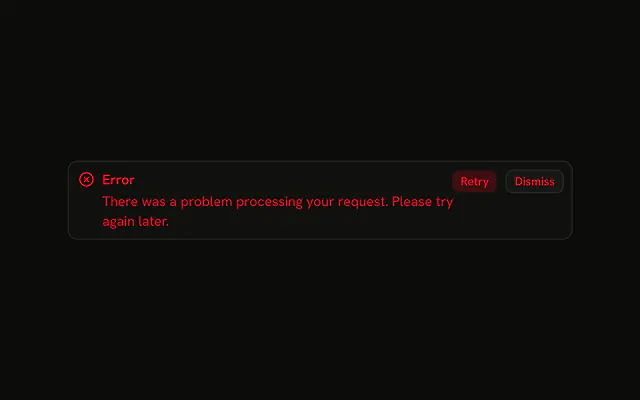
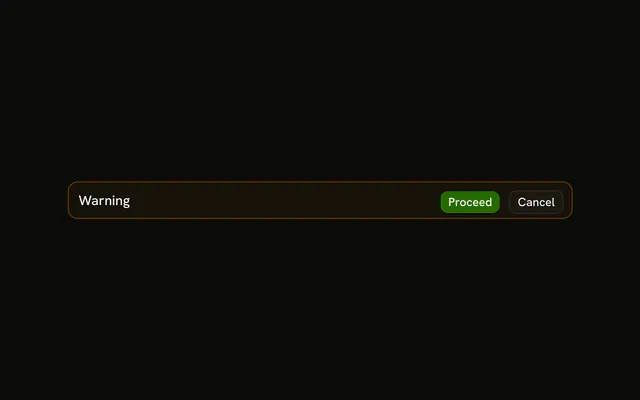
A warning icon, the title Warning, and a line that the action cannot be undone. Proceed is filled. Cancel is outlined. Neither button does anything yet.
Use it before a risky step people can still walk away from. If they must decide before it happens, use an Alert Dialog. In React, Base UI does not block the rest of the page.
Installation
Anatomy

Usage
<Alert className="max-w-lg" variant="warning">
  <TriangleAlertIcon aria-hidden="true" />
  <AlertTitle>Warning</AlertTitle>
  <AlertDescription>
    This action may have unintended consequences and cannot be undone.
  </AlertDescription>
  <AlertAction className="flex gap-2">
    <Button size="xs">Proceed</Button>
    <Button size="xs" variant="outline">
      Cancel
    </Button>
  </AlertAction>
</Alert>
FAQ
What is in this warning alert?
TriangleAlertIcon first, then AlertTitle, AlertDescription, and Proceed plus Cancel in AlertAction. The root is variant="warning" with className="max-w-lg".
What color is the TriangleAlert icon?
The theme's --warning color, set by variant="warning" on the alert. You don't add color or size classes to the icon; the alert handles both, and the text keeps its regular colors.
API Reference
Alert
Sets variant="warning". The rest is on the Alert page.
Button
Sets size="xs" and variant="outline". The rest is on the Button page.