shadcn.io is an independent project built on shadcn/ui
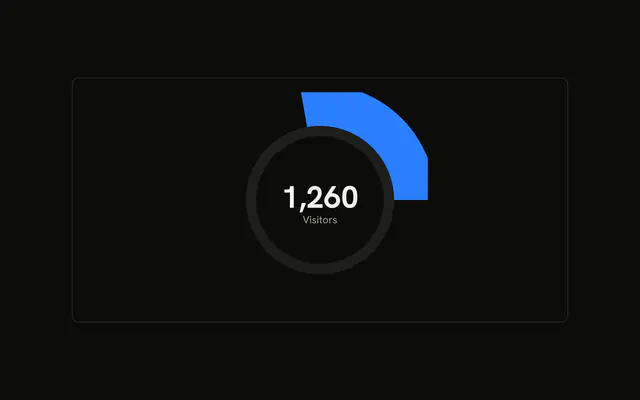
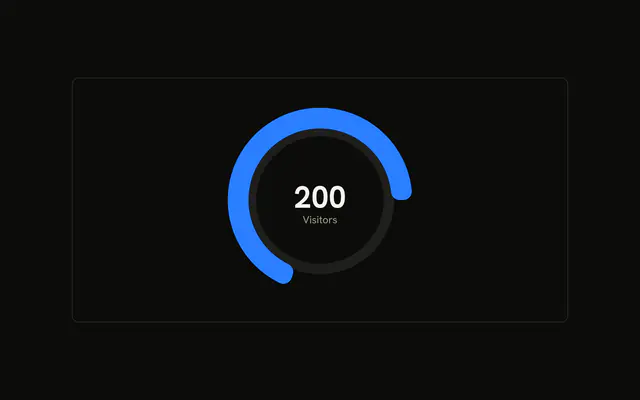
Desktop and mobile share one half-circle arc. The ends are rounded, and a gap separates the two parts. The center shows their sum.
Use a half gauge when two parts should read as one total. A full donut fits more than two slices. A Progress bar fits one value with no split. In React, Ark UI does not sum desktop and mobile. The demo adds them for the center.
Installation
Anatomy

Usage
<div className="w-full max-w-xl rounded-md border bg-background p-4">
  <ChartContainer
    className="mx-auto aspect-square w-full max-w-[250px]"
    config={chartConfig}
  >
    <RadialBarChart
      data={chartData}
      endAngle={180}
      innerRadius={80}
      outerRadius={130}
    >
      <ChartTooltip content={renderTooltipContent} cursor={false} />
      <PolarRadiusAxis axisLine={false} tick={false} tickLine={false}>
        <Label content={renderTotal} />
      </PolarRadiusAxis>
      <RadialBar
        className="stroke-2 stroke-transparent"
        cornerRadius={5}
        dataKey="desktop"
        fill="var(--color-desktop)"
        stackId="a"
      />
      <RadialBar
        className="stroke-2 stroke-transparent"
        cornerRadius={5}
        dataKey="mobile"
        fill="var(--color-mobile)"
        stackId="a"
      />
    </RadialBarChart>
  </ChartContainer>
</div>
FAQ
How do desktop and mobile share one arc?
Both RadialBar components set stackId="a". Desktop uses dataKey="desktop" and mobile uses dataKey="mobile", on a single chartData row. The same stackId lays those values end to end in one band.
How do I make it a half circle?
RadialBarChart sets endAngle={180} and leaves the start at 0, the right side of the circle. innerRadius={80} and outerRadius={130} set the band. The frame is aspect-square w-full max-w-[250px].
How are the ends rounded, and why is there a gap?
Each RadialBar sets cornerRadius={5}, which rounds the cap. The className is stroke-2 stroke-transparent, a transparent stroke that separates the two stacked segments. Fills are var(--color-desktop) and var(--color-mobile).
How is the center total calculated?
renderTotal is the Label content on PolarRadiusAxis. It sums desktop and mobile with reduce, then calls toLocaleString. The caption under it is the text Visitors. The axis itself sets axisLine, tick, and tickLine to false.
API Reference
Chart
Sets config={chartConfig}, content={renderTooltipContent} and cursor={false}. The rest is on the Chart page.