shadcn.io is an independent project built on shadcn/ui
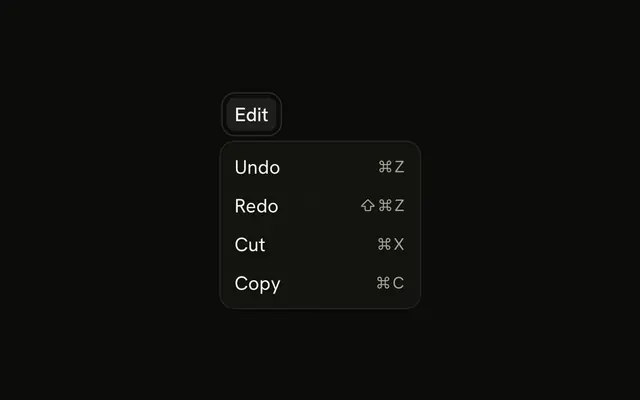
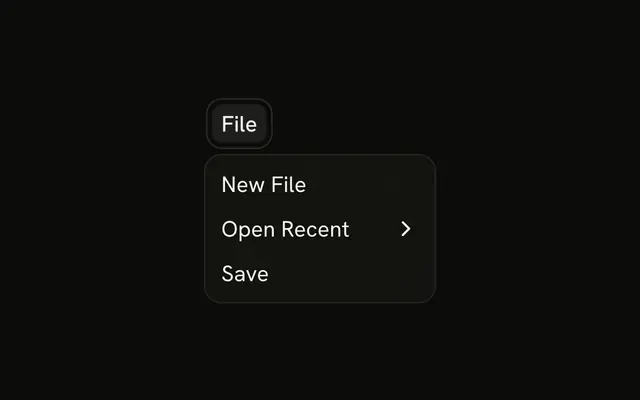
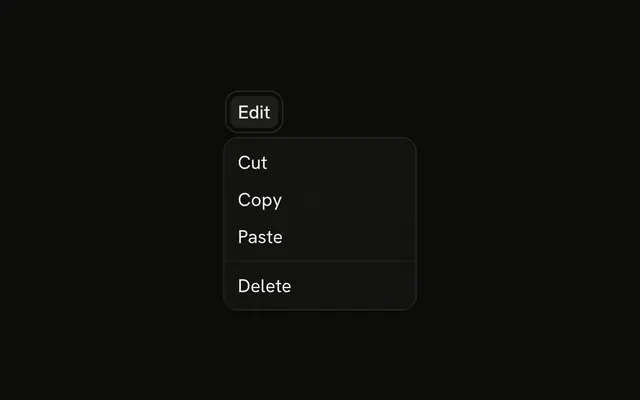
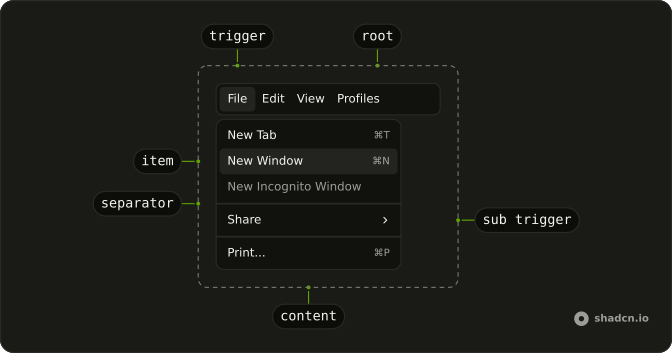
File, Edit and View sit in one bar. File shows New File, Open and Save, with hints and a separator before Save. Edit shows Undo through Paste with hints. View shows Toggle Fullscreen, Zoom In and Zoom Out.
Use a full bar for an editor that mirrors a desktop app. A single Dropdown Menu is enough when there is only one menu. In React, Ark UI does not fire those shortcut hints.
Installation
Anatomy
Usage
<Menubar>
  <MenubarMenu>
    <MenubarTrigger>File</MenubarTrigger>
    <MenubarContent>
      <MenubarItem value="new-file">
        New File
        <MenubarShortcut>⌘N</MenubarShortcut>
      </MenubarItem>
      <MenubarItem value="open">
        Open
        <MenubarShortcut>⌘O</MenubarShortcut>
      </MenubarItem>
      <MenubarSeparator />
      <MenubarItem value="save">
        Save
        <MenubarShortcut>⌘S</MenubarShortcut>
      </MenubarItem>
    </MenubarContent>
  </MenubarMenu>
  <MenubarMenu>
    <MenubarTrigger>Edit</MenubarTrigger>
    <MenubarContent>
      <MenubarItem value="undo">
        Undo
        <MenubarShortcut>⌘Z</MenubarShortcut>
      </MenubarItem>
      <MenubarItem value="redo">
        Redo
        <MenubarShortcut>⇧⌘Z</MenubarShortcut>
      </MenubarItem>
      <MenubarSeparator />
{/* The rest of the file is under Installation. */}
FAQ
Which rows show a keyboard hint?
Every File and Edit row: New File ⌘N, Open ⌘O, Save ⌘S, Undo ⌘Z, Redo ⇧⌘Z, Cut ⌘X, Copy ⌘C and Paste ⌘V. The View rows have none.
Where do the separators sit?
A MenubarSeparator before Save in File, between Redo and Cut in Edit, and after Toggle Fullscreen in View, splitting each menu into related commands.
Do those shortcut hints fire the command?
No. MenubarShortcut only prints the text. Register the keys on the page so they work while every menu is closed, and run the same command the row runs.
How do I move across File, Edit, and View?
Enter, Space or Arrow Down opens the focused menu, the arrow keys move through its rows, and Escape closes it and returns focus to its trigger. Tab moves from one trigger to the next.
Should these menus be one dropdown?
No. Three menus of related commands read better side by side, the way desktop apps lay them out. Use a Dropdown Menu when there's only one list of actions.
API Reference
Menubar
Sets value="new-file", value="open", value="save", value="undo", value="redo" and value="cut". The rest is on the Menubar page.