shadcn.io is an independent project built on shadcn/ui
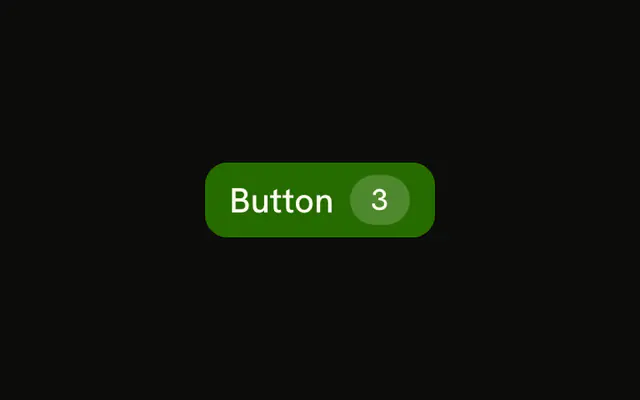
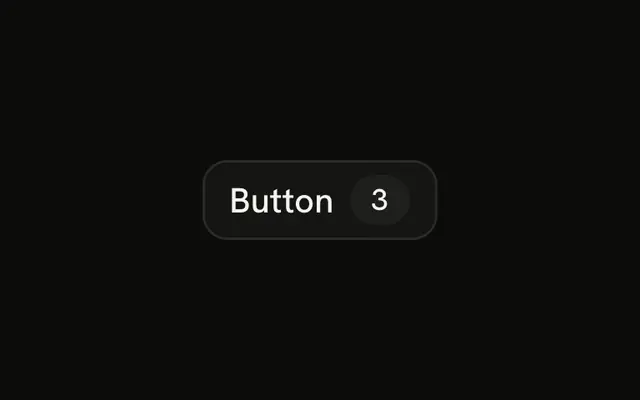
The link variant, plus a badge with a number. The demo shows 3. If the number's meaning is not obvious, say it in the label.
Use it for View comments or Open cart when the count helps and the action is small. If the number is the whole point, a Badge on its own is enough. In React, Ark UI does not know the count. You pass it.
Installation
Anatomy
Usage
<Button variant="link">
  Button
  <Badge pill variant="secondary">
    3
  </Badge>
</Button>
FAQ
Does the badge track a selection?
No. The number 3 is the Badge children, written in the demo. Render your own count there when the selection changes.
How is this different from a filled button with a count?
variant="link" is primary text, no fill, underline on hover. The badge is variant="secondary" and pill, so the count reads as a small chip after the label.
What should I do when the count is 0?
Pass disabled if the action shouldn't run empty. Or skip rendering the button. The demo does neither: it always shows 3.
API Reference
Button
Sets variant="link". The rest is on the Button page.
Badge
Sets pill and variant="secondary". The rest is on the Badge page.