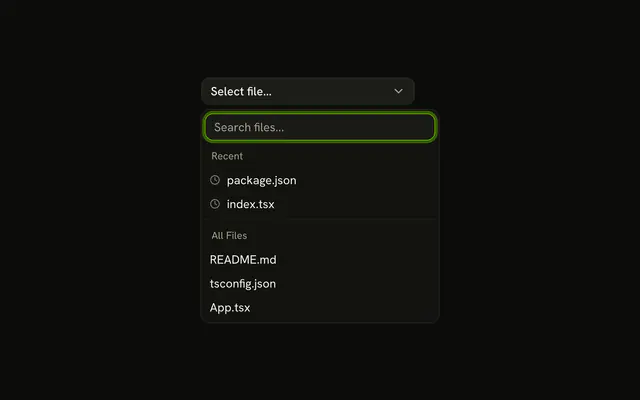
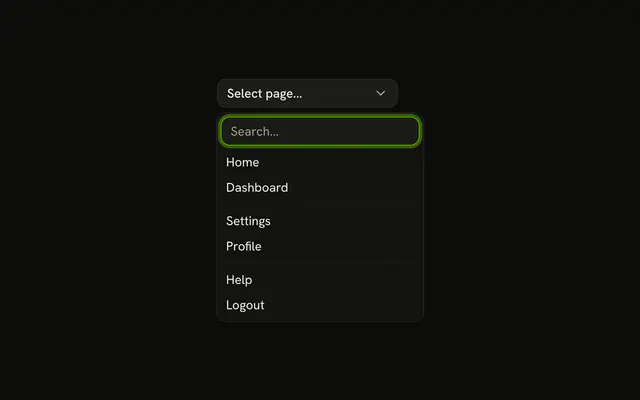
shadcn.io is an independent project built on shadcn/ui
Development lists three developer roles, Design lists UI Designer and UX Designer, and Management lists three manager roles. Each heading ends with how many roles it holds.
Use it when the size of a group helps people decide where to look. A heading with no count is a labeled Combobox group. In React, Ark UI does not count the rows. The heading does.
Installation
Anatomy

Usage
<Combobox
  collection={collection}
  onInputValueChange={handleInputValueChange}
  onValueChange={handleValueChange}
  positioning={{ getAnchorElement: () => triggerRef.current }}
  selectionBehavior="clear"
  value={value}
>
  <ComboboxTrigger
    className={cn(
      buttonVariants({ variant: "outline" }),
      "w-[250px] justify-between"
    )}
    ref={triggerRef}
  >
    {selected ? selected.label : "Select role..."}
  </ComboboxTrigger>
  <ComboboxContent>
    <ComboboxInput
      className="w-full"
      placeholder="Search role..."
      showTrigger={false}
    />
    <ComboboxEmpty>No role found.</ComboboxEmpty>
    <ComboboxList>
      {groups.map(([group, items]) => (
        <ComboboxGroup key={group}>
          <ComboboxGroupLabel className="flex items-center justify-between">
            <span>{group}</span>
            <span className="text-muted-foreground text-xs">
              {items.length}
{/* The rest of the file is under Installation. */}
FAQ
How is the count placed in the heading?
The group label is flex items-center justify-between, with the group name in one span and the count in another, text-muted-foreground text-xs.
Where does the number come from?
From the length of the group's items. The list passes each group with the items left after the search, so the count drops as you type.
Which roles are listed?
Development: Frontend, Backend and Fullstack Developer. Design: UI and UX Designer. Management: Product, Project and Engineering Manager.
API Reference
Combobox
Sets collection={collection}, onInputValueChange={handleInputValueChange}, onValueChange={handleValueChange}, positioning, getAnchorElement and cn. The rest is on the Combobox page.