shadcn.io is an independent project built on shadcn/ui
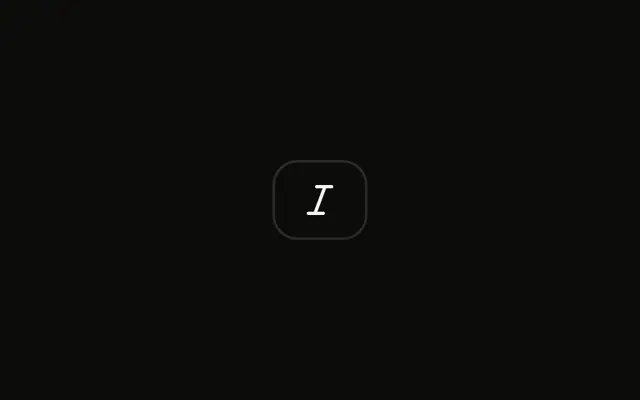
A single icon button shows an italic mark and no visible word. It is the default size, and it is not pressed.
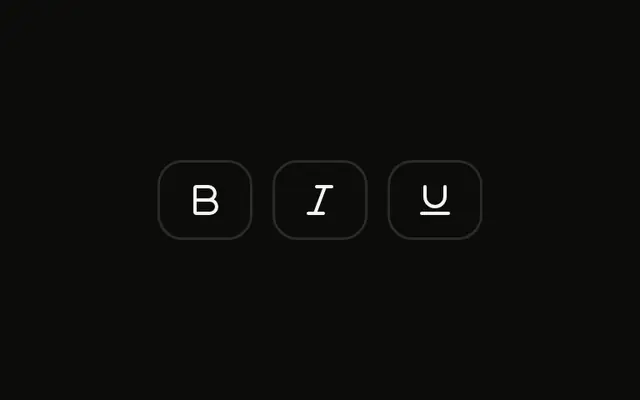
Start at the default size for a formatting toolbar. A Toggle Group holds bold, italic and underline together. In React, Ark UI does not italicize the text.
Installation
Anatomy
Usage
<Toggle aria-label="Toggle italic">
  <ItalicIcon aria-hidden="true" />
</Toggle>
FAQ
When should I use default size toggles?
Use the default size unless you have a reason not to. It matches the default Button and Input heights, so a toggle lines up with the controls around it. Switch to sm when the toolbar is crowded or sits inside dense content, and to lg when there are only a few toggles and they're the main controls.
Why does default size not need a size prop?
The Toggle's size defaults to md, so leaving it out gives the default size. Writing size="md" does the same and only adds noise; set size only for sm or lg.
Are default size toggles accessible for touch targets?
They meet the 24 by 24 pixel minimum of WCAG 2.5.8, but in most styles they're smaller than the 44 pixel target recommended for touch. On touch-first screens, leave space between toggles or use size="lg", and test on a real device.
Can default toggles include both icon and text?
Yes. Put the text after the icon inside the Toggle, as the Toggle with Text example does; the Toggle grows to fit and keeps a gap between them. With visible text, the aria-label is no longer needed.
How do I group multiple default toggles in a toolbar?
Use the Toggle Group, as the Default Size Toggle Group example does: it tracks which items are pressed, makes the row a single Tab stop with arrow-key navigation, and passes one size and variant to every item. Its spacing sets the gap between items, and 0 joins them into one bar.
API Reference
Toggle
Sets aria-label="Toggle italic". The rest is on the Toggle page.