shadcn.io is an independent project built on shadcn/ui
A single large icon button shows an underline mark and no visible word. It is taller than the default size.
Use the large size when the toggle is a primary control, such as on a touch screen. The default Toggle fits a normal toolbar. In React, Ark UI does not underline the text.
Installation
Anatomy
Usage
<Toggle aria-label="Toggle underline" size="lg">
  <UnderlineIcon aria-hidden="true" />
</Toggle>
FAQ
When should I use large toggle buttons?
Use lg when there are few toggles and they're the main action, or when people use the screen with touch. Avoid it in dense toolbars, where the extra height and padding take space without helping.
Are large toggles better for accessibility?
A bigger target is easier to hit for people with limited dexterity and easier to see for people with low vision. In most styles, though, lg is still a little under the 44 pixel touch target, so on touch screens also leave space between toggles. The name and pressed state are announced the same at every size.
Should I use larger icons with large toggles?
Not necessarily. The Toggle keeps the icon at its usual size (size-4 in most styles) and the extra size goes into padding, which is what makes the target easier to hit. If the icon looks lost, give it size-5, but don't let it fill the button.
Can I group multiple large toggles together?
Yes, with the Toggle Group and size="lg", as the Large Toggle Group example does. Large items take more width, so keep a group to a few options, or set orientation="vertical" to stack them in a narrow space.
API Reference
Toggle
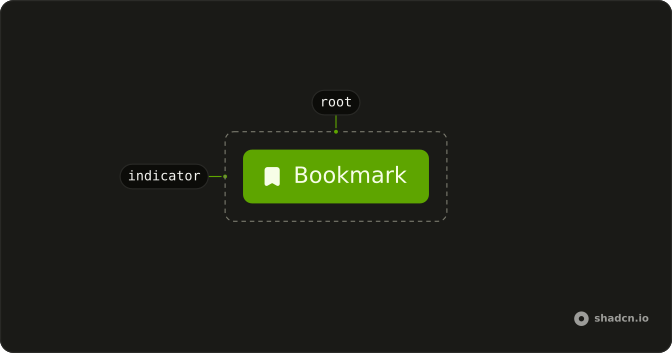
Sets aria-label="Toggle underline" and size="lg". The rest is on the Toggle page.