shadcn.io is an independent project built on shadcn/ui
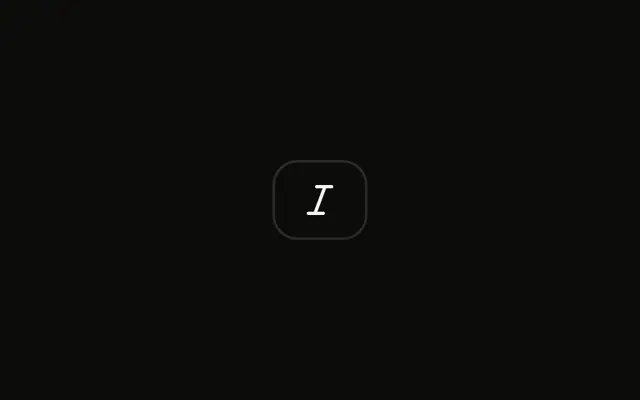
A single small icon button shows a bold mark and no visible word. It is shorter than the default size.
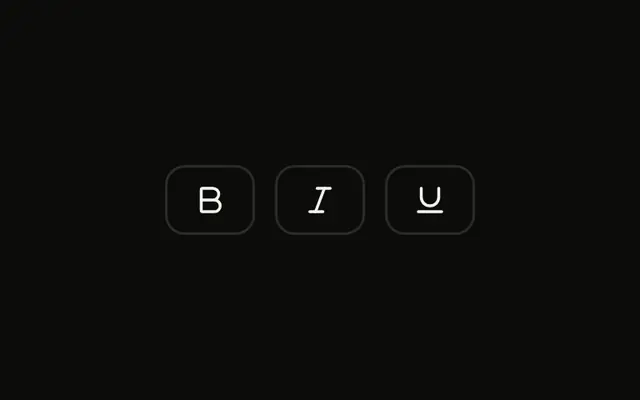
Use the small size in a compact toolbar or a comment editor. A Toggle Group groups bold with italic and underline. On React, Ark UI does not bold the text.
Installation
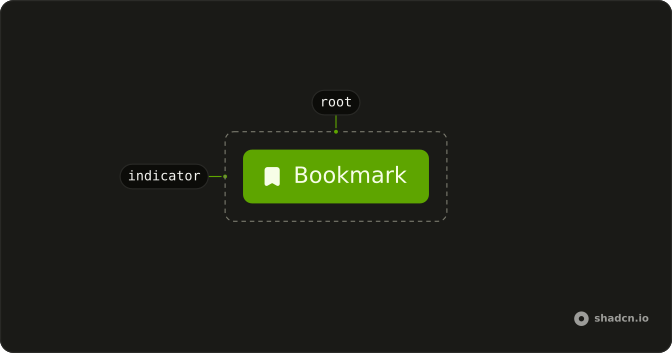
Anatomy
Usage
<Toggle aria-label="Toggle bold" size="sm">
  <BoldIcon aria-hidden="true" />
</Toggle>
FAQ
When should I use small toggle buttons?
Use sm when space is tight: a formatting bar that floats over selected text, a toolbar in a sidebar, or a table header with several view options. Keep it for secondary controls, and use the default size for the main toolbar of a page.
What icon size works best with small toggles?
The Toggle sizes an icon for you (size-4 in most styles) unless the icon has its own size-* class, and that size reads well at sm. Going smaller, such as size-3, makes the icons hard to recognize, so leave the default in place.
Are small toggles accessible for touch targets?
They meet the 24 by 24 pixel minimum of WCAG 2.5.8 in every style, but they're well below the 44 pixel target recommended for touch, so they suit pointer-driven, desktop layouts best. On touch screens, use the default size or leave enough space between toggles that a tap can't hit the wrong one.
How do I group multiple small toggles together?
Use the Toggle Group with size="sm", as the Small Toggle Group example does: the size applies to every item, and the group handles pressed state and arrow-key navigation. Lower its spacing for a tighter row, or set it to 0 to join the items.
API Reference
Toggle
Sets aria-label="Toggle bold" and size="sm". The rest is on the Toggle page.