shadcn.io is an independent project built on shadcn/ui
Title is text. Type is Bug Report, Feature Request, or Question. Priority is a select that starts empty. Description needs 10 characters. Subscribe to updates can stay off.
Use it when one request mixes writing and choices. If every answer is a choice, a Radio Group is clearer. In React, Ark UI draws each control. One schema checks them.
Installation
Usage
<form className="w-full max-w-md" onSubmit={form.handleSubmit(onSubmit)}>
  <FieldGroup>
    <Controller
      control={form.control}
      name="name"
      render={({ field, fieldState }) => (
        <Field invalid={fieldState.invalid}>
          <FieldLabel>Title</FieldLabel>
          <Input {...field} placeholder="Enter title" />
          <FieldError>{fieldState.error?.message}</FieldError>
        </Field>
      )}
    />
    <Controller
      control={form.control}
      name="type"
      render={({ field, fieldState }) => (
        <Field invalid={fieldState.invalid}>
          <FieldSet>
            <FieldLegend variant="label">Type</FieldLegend>
            <RadioGroup
              name={field.name}
              onValueChange={({ value }) => field.onChange(value)}
              value={field.value ?? null}
            >
              {types.map((type) => (
                <Field
                  invalid={fieldState.invalid}
                  key={type.value}
                  orientation="horizontal"
                >
{/* The rest of the file is under Installation. */}
FAQ
How does React Hook Form connect these controls?
useForm takes zodResolver(formSchema) and defaultValues for name, priority, description and subscribe. Each control is rendered by a Controller with control and name, which hands it field (value and change handler) and fieldState (the error).
How does a field show its error?
The Field gets invalid={fieldState.invalid}, and FieldError gets fieldState.error?.message, which is empty while the field is valid. Title and Description use Zod's default messages for .min(2) and .min(10).
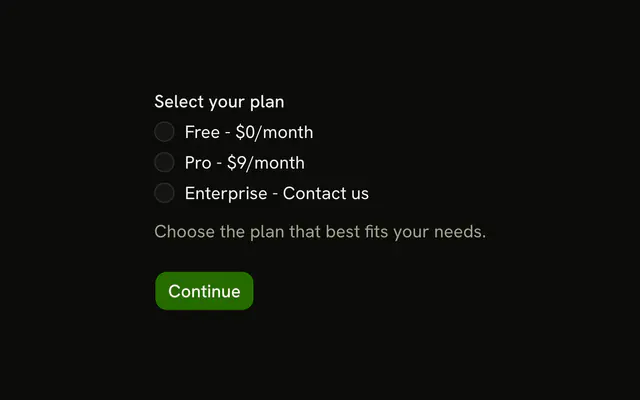
How is the type radio group wired?
type is z.enum(["bug", "feature", "question"]) with the error "Please select a type.", and it starts unset, so no option is selected. The group sits in a FieldSet with the FieldLegend Type. RadioGroup takes value={field.value ?? null} and onValueChange passes value to field.onChange. Each RadioGroupItem holds its own label.
How does the priority select work?
priority starts as "" and must pass .min(1, "Please select a priority."), so the trigger shows "Select priority" until one of Low, Medium, High or Urgent is picked. The options are a createListCollection; value is [field.value] and onValueChange stores value[0].
API Reference
Field
Sets invalid={fieldState.invalid}, variant="label" and orientation="horizontal". The rest is on the Field page.
Input
Sets field and placeholder="Enter title". The rest is on the Input page.
Radio Group
Sets name={field.name}, onValueChange, value and value={type.value}. The rest is on the Radio Group page.
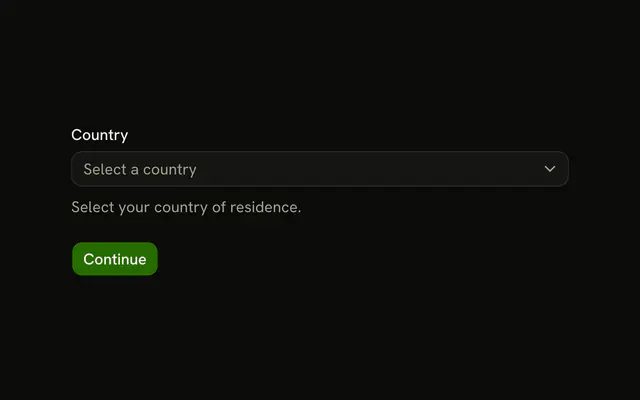
Select
Sets collection={priorities}, name={field.name}, onValueChange, value, placeholder="Select priority" and item={item}. The rest is on the Select page.
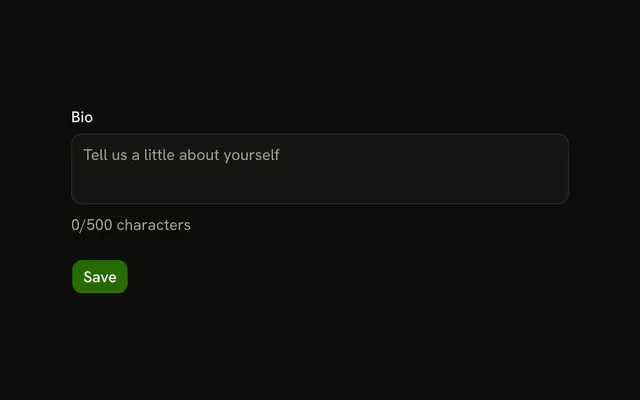
Textarea
Sets field, placeholder="Describe your issue" and rows={4}. The rest is on the Textarea page.
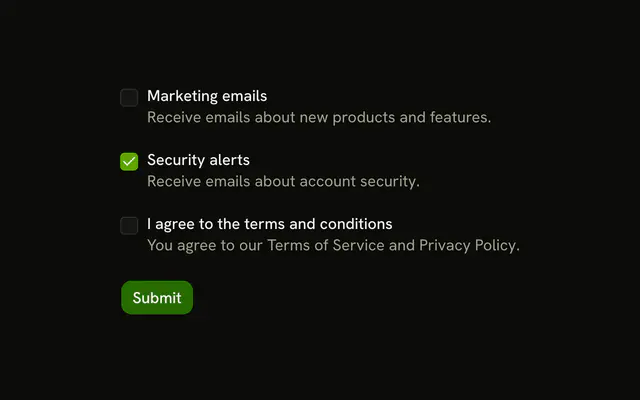
Checkbox
Sets checked={field.value}, name={field.name}, onCheckedChange and checked. The rest is on the Checkbox page.
Button
Sets type="submit". The rest is on the Button page.