shadcn.io is an independent project built on shadcn/ui
Name, email, subject, and message stack under Get in touch. Subject offers General Inquiry, Technical Support, Sales, Feedback, and Other. The message has to be at least 10 characters.
Use it for support, sales, or feedback. A short note with no subject is just a Textarea. On React, Ark UI paints the controls. Zod checks all four before Send Message.
Installation
Usage
<form className="w-full max-w-md" onSubmit={form.handleSubmit(onSubmit)}>
<FieldGroup>
<div className="flex flex-col gap-2">
<h2 className="font-bold text-2xl">Get in touch</h2>
<p className="text-muted-foreground text-sm">
We'll get back to you within 24 hours
</p>
</div>
<Controller
control={form.control}
name="name"
render={({ field, fieldState }) => (
<Field invalid={fieldState.invalid}>
<FieldLabel>Name</FieldLabel>
<Input {...field} placeholder="John Doe" />
<FieldError>{fieldState.error?.message}</FieldError>
</Field>
)}
/>
<Controller
control={form.control}
name="email"
render={({ field, fieldState }) => (
<Field invalid={fieldState.invalid}>
<FieldLabel>Email</FieldLabel>
<Input {...field} placeholder="you@example.com" type="email" />
<FieldError>{fieldState.error?.message}</FieldError>
</Field>
)}
{/* The rest of the file is under Installation. */}FAQ
What does each contact field check?
name is .min(2) with "Name must be at least 2 characters.", email is z.email("Please enter a valid email address."), and message is .min(10) with "Message must be at least 10 characters."
What shows if subject is left unset?
subject starts as "" and must pass .min(1, "Please select a subject."), so Send Message without one marks the field invalid and shows that message. Until then the trigger shows "Select a subject".
How is the subject select wired?
The options are General Inquiry, Technical Support, Sales, Feedback and Other, stored as general, support, sales, feedback and other. They're a createListCollection; value is [field.value] and onValueChange stores value[0].
How is the message textarea set up?
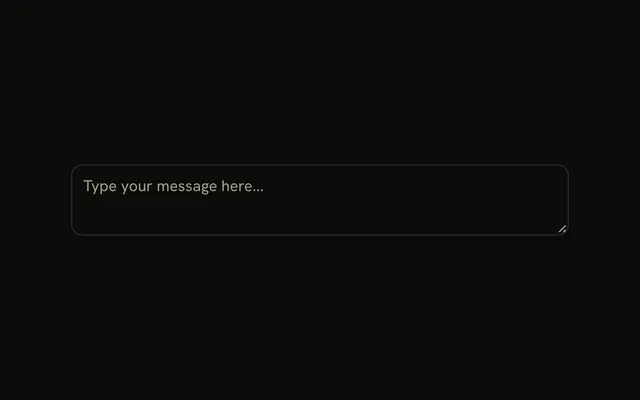
The Textarea has rows={5}, resize-none and the placeholder "How can we help you?", with the FieldDescription "Please provide as much detail as possible."
API Reference
Field
Sets invalid={fieldState.invalid}. The rest is on the Field page.
Input
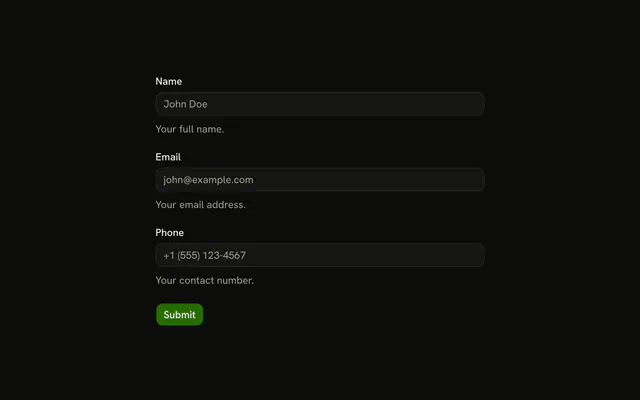
Sets field, placeholder="John Doe", placeholder="you@example.com" and type="email". The rest is on the Input page.
Select
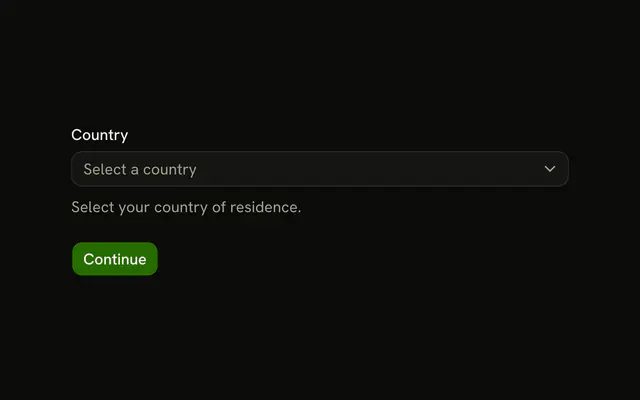
Sets collection={subjects}, name={field.name}, onValueChange, value, placeholder="Select a subject" and item={item}. The rest is on the Select page.
Textarea
Sets field, placeholder="How can we help you?" and rows={5}. The rest is on the Textarea page.
Button
Sets type="submit". The rest is on the Button page.