shadcn.io is an independent project built on shadcn/ui
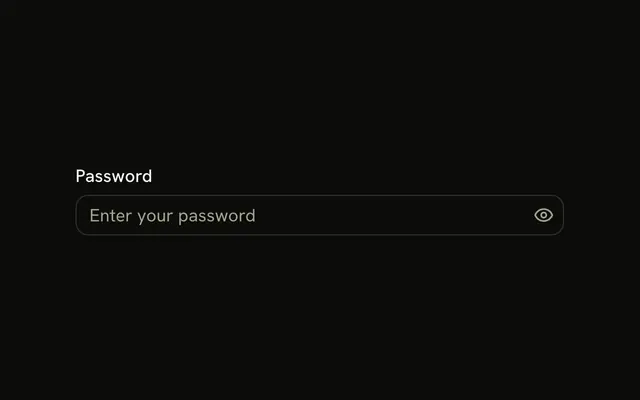
The password field has an eye and a refresh icon at the end. The API key field adds a key at the start, then an eye with a slash and another refresh icon. Every icon is decorative. The eye does not reveal the password.
Use extra icons only as cues. An eye that should show the password is a button, which is what Password Input already includes. In React, Ark UI does not turn these icons into controls.
Installation
Anatomy

Usage
<div className="flex w-full max-w-sm flex-col gap-4">
  <InputGroup className="bg-background">
    <InputGroupInput
      aria-label="Password"
      placeholder="Enter password"
      type="password"
    />
    <InputGroupAddon align="inline-end">
      <EyeIcon aria-hidden="true" />
    </InputGroupAddon>
    <InputGroupAddon align="inline-end">
      <RefreshCwIcon aria-hidden="true" />
    </InputGroupAddon>
  </InputGroup>
  <InputGroup className="bg-background">
    <InputGroupInput
      aria-label="API key"
      placeholder="API key"
      type="password"
    />
    <InputGroupAddon>
      <KeyIcon aria-hidden="true" />
    </InputGroupAddon>
    <InputGroupAddon align="inline-end">
      <EyeOffIcon aria-hidden="true" />
    </InputGroupAddon>
    <InputGroupAddon align="inline-end">
      <RefreshCwIcon aria-hidden="true" />
    </InputGroupAddon>
  </InputGroup>
</div>
FAQ
How do two icons sit at the end?
Two InputGroupAddons with align="inline-end", in source order after the input.
How does the key icon sit at the start of the second field?
Its addon keeps the default inline-start, which places it before the input.
Can the eye show the password?
Not as an icon. Make it an InputGroupButton that switches the type, as in Password Actions.
API Reference
Input Group
Sets aria-label="Password", placeholder="Enter password", type="password", align="inline-end", aria-label="API key" and placeholder="API key". The rest is on the Input Group page.