shadcn.io is an independent project built on shadcn/ui
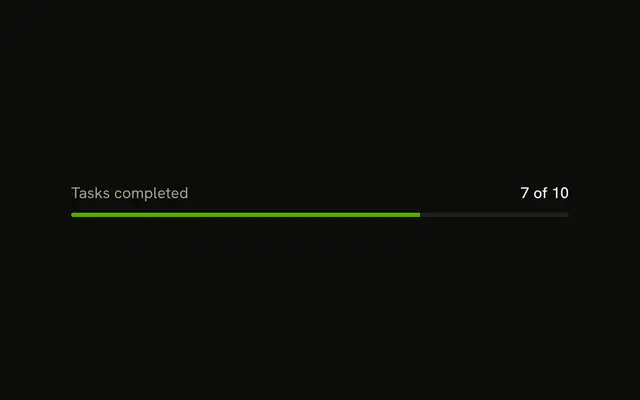
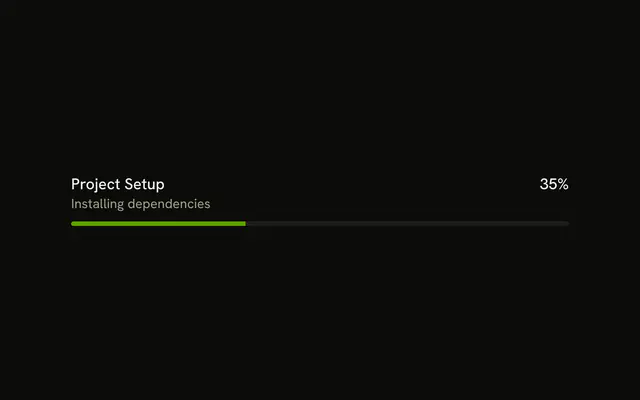
Progress sits at the start of the row and 65% at the end. The bar under that row is filled to 65 percent.
Show the number when people will ask how much is left. Drop it, and keep a Spinner, when the length of the task is unknown. In React, Base UI does not time the upload.
Installation
Sign in to get your install command
Free with an account. It carries your token, so the CLI installs everything in one go.
Use email insteadNo credit card
Anatomy
Usage
<Progress className="w-full max-w-md gap-2" value={65}>
  <ProgressLabel className="font-normal text-muted-foreground">
    Progress
  </ProgressLabel>
  <ProgressValue className="font-medium text-foreground" />
</Progress>
FAQ
How do the label and number sit above the bar?
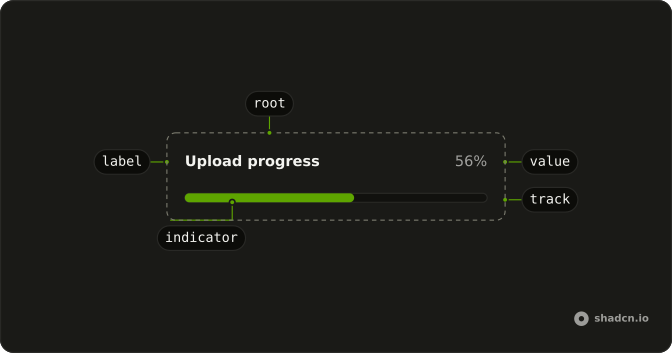
ProgressLabel and ProgressValue are children of Progress. The value style has ml-auto, which pushes the number to the end of the row, and the full-width track wraps below. gap-2 is the space.
Where does 65% come from?
ProgressValue has no children, so it prints the value as a percent. Nothing in the demo writes 65% by hand.
API Reference
Progress
Sets value={65}. The rest is on the Progress page.