shadcn.io is an independent project built on shadcn/ui
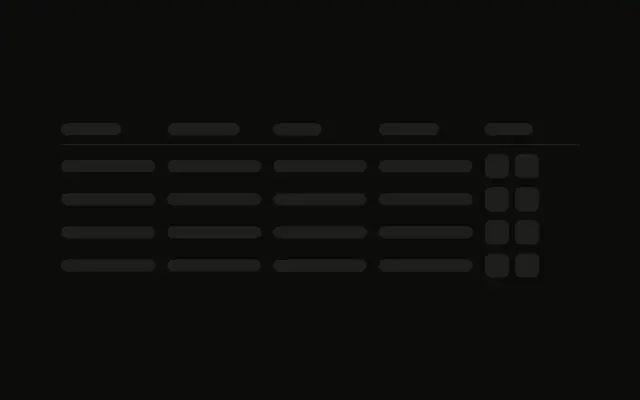
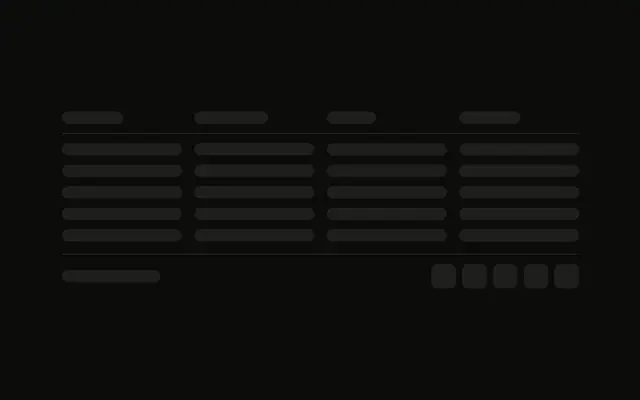
A header row with a line under it, then five rows of four cells. The cells are bars in a grid, not the table component.
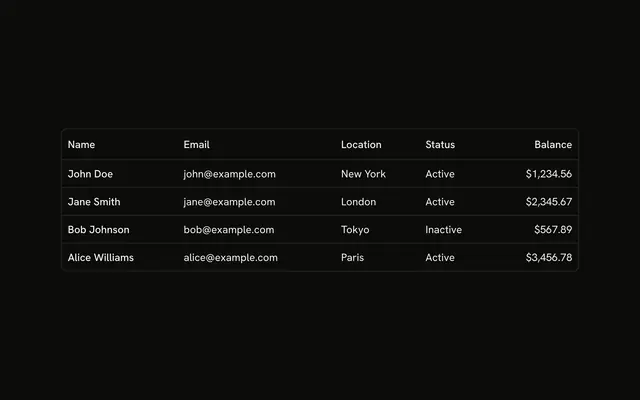
Use it while rows load, with the same column count as the finished table. When the rows exist, render them in a Table. In React, Ark UI does not sort or fetch them.
Installation
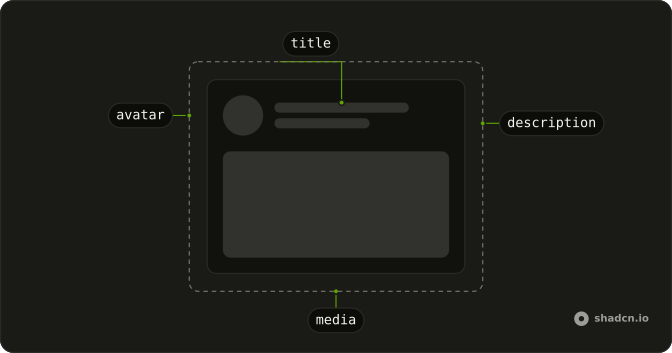
Anatomy
Usage
<div className="flex w-full max-w-2xl flex-col gap-3">
  <div className="grid grid-cols-4 gap-4 border-b pb-3">
    <Skeleton className="h-4 w-20" />
    <Skeleton className="h-4 w-24" />
    <Skeleton className="h-4 w-16" />
    <Skeleton className="h-4 w-20" />
  </div>
  {ROWS.map((row) => (
    <div className="grid grid-cols-4 gap-4" key={row}>
      <Skeleton className="h-4 w-full" />
      <Skeleton className="h-4 w-full" />
      <Skeleton className="h-4 w-full" />
      <Skeleton className="h-4 w-full" />
    </div>
  ))}
</div>
FAQ
Is this the Table component?
These rows are a CSS grid of Skeleton bars. The header and each body row are grid grid-cols-4 gap-4. Match the bars to the cells in your Table.
How is the header separated?
The header adds border-b pb-3. Its four bars are h-4 at w-20, w-24, w-16 and w-20. The block is max-w-2xl with gap-3 between rows.
How many body rows are there?
Five, from ROWS. Each cell is h-4 w-full, so the bar fills its grid column.
Do header and body bars pulse together?
Yes. They are all Skeleton, so they share animate-pulse, bg-muted and the style's radius. data-slot="skeleton" is on each bar.
API Reference
Skeleton
No extra props in this demo. The rest is on the Skeleton page.