shadcn.io is an independent project built on shadcn/ui
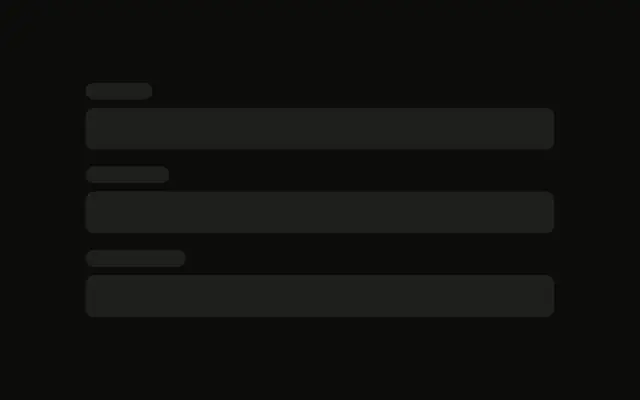
Two rows of side-by-side fields sit in a two-column grid, then one field across the form, then a button.
Use it for checkout or sign-up that pairs fields such as first and last name. If only submit is waiting, put a Spinner on the button. In React, Ark UI does not lay out the real inputs.
Installation
Sign in to get your install command
Free with an account. It carries your token, so the CLI installs everything in one go.
Use email insteadNo credit card
Anatomy
Usage
<div className="flex w-full max-w-2xl flex-col gap-6">
  <div className="grid grid-cols-2 gap-4">
    <div className="flex flex-col gap-2">
      <Skeleton className="h-4 w-20" />
      <Skeleton className="h-10 w-full" />
    </div>
    <div className="flex flex-col gap-2">
      <Skeleton className="h-4 w-24" />
      <Skeleton className="h-10 w-full" />
    </div>
  </div>
  <div className="grid grid-cols-2 gap-4">
    <div className="flex flex-col gap-2">
      <Skeleton className="h-4 w-16" />
      <Skeleton className="h-10 w-full" />
    </div>
    <div className="flex flex-col gap-2">
      <Skeleton className="h-4 w-20" />
      <Skeleton className="h-10 w-full" />
    </div>
  </div>
  <div className="flex flex-col gap-2">
    <Skeleton className="h-4 w-16" />
    <Skeleton className="h-10 w-full" />
  </div>
  <Skeleton className="h-10 w-32" />
</div>
FAQ
How is the form laid out?
A max-w-2xl column with gap-6. Two grid grid-cols-2 gap-4 rows, then one full-width field, then a button.
What is inside a grid cell?
flex flex-col gap-2: an h-4 label and an h-10 w-full control. The four labels are w-20, w-24, w-16 and w-20.
Which field spans the form?
The third field has no grid. Its label is h-4 w-16 and its control is h-10 w-full, so it sits under both columns.
API Reference
Skeleton
No extra props in this demo. The rest is on the Skeleton page.