shadcn.io is an independent project built on shadcn/ui
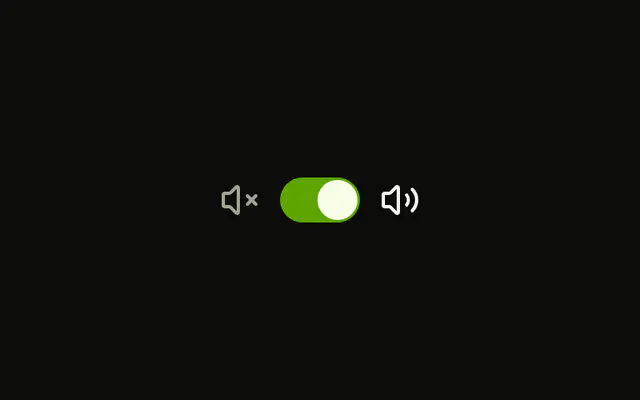
A sun icon, a switch, and a moon icon sit in a row. The switch starts off. The icons do not change when it toggles. Its accessible name is Dark mode. The page theme does not change.
Connect it to your theme if this should actually switch modes. The icons are decoration, not the label. A one-press theme control can be a Button. In React, Ark UI keeps the switch state on its own until you take over.
Installation
Anatomy
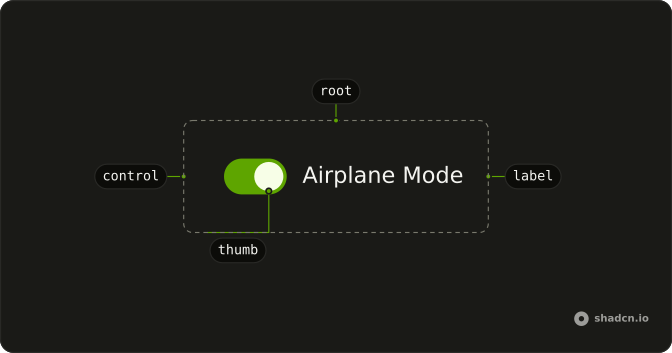
Usage
<div className="flex items-center gap-2">
  <SunIcon aria-hidden="true" className="size-4" />
  <Switch aria-label="Dark mode" />
  <MoonIcon aria-hidden="true" className="size-4 text-muted-foreground" />
</div>
FAQ
Do the sun and moon change when the switch toggles?
No. SunIcon is size-4, and MoonIcon adds text-muted-foreground; those classes stay as written. Both have aria-hidden, in a flex items-center gap-2 row.
What do screen readers call this switch?
The icons are hidden from screen readers, so the switch has aria-label (Dark mode). Keep a text name whenever the icons are the only cue.
How do I control this switch in React?
Nothing in this file sets the on state, so the switch starts off and keeps its own state. To control it, keep the on or off state in your own state and pass it back. To start it on, use the default prop.
The prop is defaultChecked.
Pass checked; onCheckedChange receives details.checked.
How do I add a visible label to this switch?
Put the Switch in a horizontal Field next to a FieldLabel. Clicking the label toggles the switch, and screen readers read the label with it.
The Field links the label to the switch for you.
API Reference
Switch
Sets aria-label="Dark mode". The rest is on the Switch page.