shadcn.io is an independent project built on shadcn/ui
A star sits before the word Badge. The badge has a border, no fill, and foreground text. The star is decorative.
Reach for it on tags and categories that should stay light. If the symbol needs its own name, pair it with a Tooltip. In React, Base UI keeps the label on one line.
Installation
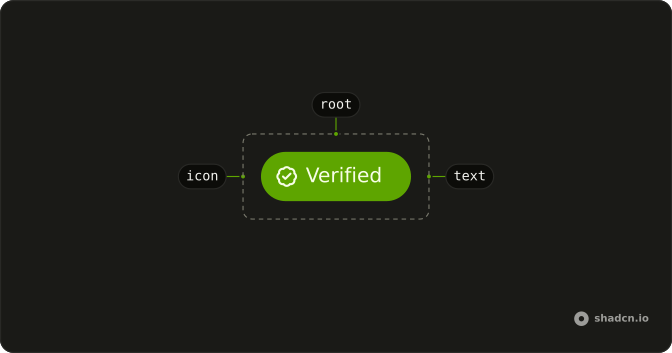
Anatomy
Usage
<Badge variant="outline">
  <StarIcon aria-hidden="true" data-icon="inline-start" />
  Badge
</Badge>
FAQ
How does the star sit before the label in React?
The icon is the first child, with data-icon="inline-start" and aria-hidden="true". The badge styles size the svg and space it with the badge's gap, so the icon has no size class.
Does the star need its own color?
No. Lucide icons paint with currentColor, so the star uses the badge's text color and follows the variant, including in dark mode.
What does variant outline change?
variant="outline" sets a border-border edge and text-foreground, and leaves the background unset. The star stays the first child.
API Reference
Badge
Sets variant="outline". The rest is on the Badge page.