shadcn.io is an independent project built on shadcn/ui
The word Badge comes first, then a star. The badge is bordered, with no fill. The star is decorative.
It fits confirmations and counts that should stay visually quiet. If the mark must be clicked, use a Button. In React, Base UI keeps the label on one line.
Installation
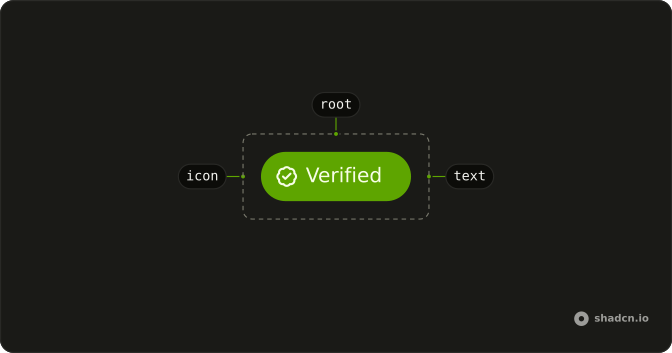
Anatomy
Usage
<Badge variant="outline">
  Badge
  <StarIcon aria-hidden="true" data-icon="inline-end" />
</Badge>
FAQ
How does the star sit after the label in React?
The icon comes after the word, with data-icon="inline-end" and aria-hidden="true". The badge styles use that attribute to tighten the padding on the icon's side.
Does the star need its own color?
No. Lucide icons paint with currentColor, so the star uses the badge's text color and follows the variant, including in dark mode.
What does variant outline change?
variant="outline" sets a border-border edge and text-foreground, and leaves the background unset. The star stays after the word.
API Reference
Badge
Sets variant="outline". The rest is on the Badge page.