shadcn.io is an independent project built on shadcn/ui
The badge shows the word Badge with a thin border and no background. It is the outline variant, and there is no icon.
Put it on tags and categories that should be present without being loud. A sentence belongs in an Alert. In React, Base UI keeps the label on one line.
Installation
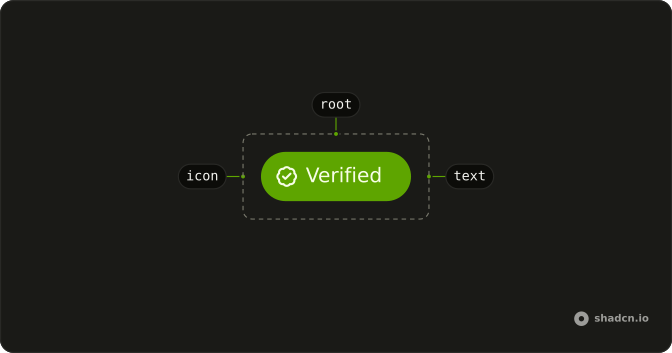
Anatomy
Usage
<Badge variant="outline">Badge</Badge>FAQ
What does variant outline draw?
variant="outline" sets a border-border edge and text-foreground. It leaves the background unset, so the page shows through the badge.
Which variants add a fill?
default and secondary fill the badge. destructive, info, success and warning fill it and set the meaning. ghost and link are the other values.
How do I change the size or round it fully?
size takes sm, md or lg. pill rounds the badge fully. This demo sets neither, so you get the normal label.
Why doesn't the label wrap?
The badge is whitespace-nowrap, so the label stays one line. Shorten the text. A sentence belongs in an Alert.
API Reference
Badge
Sets variant="outline". The rest is on the Badge page.