shadcn.io is an independent project built on shadcn/ui
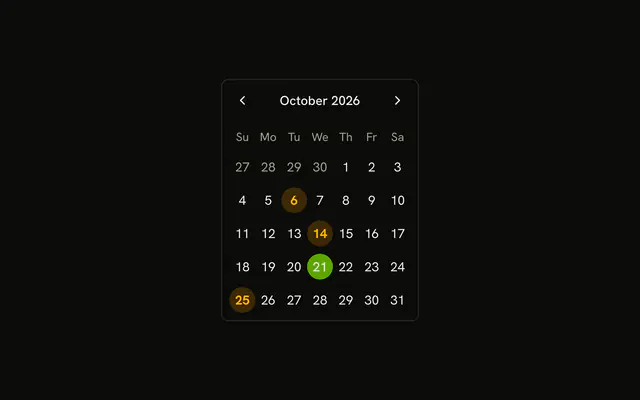
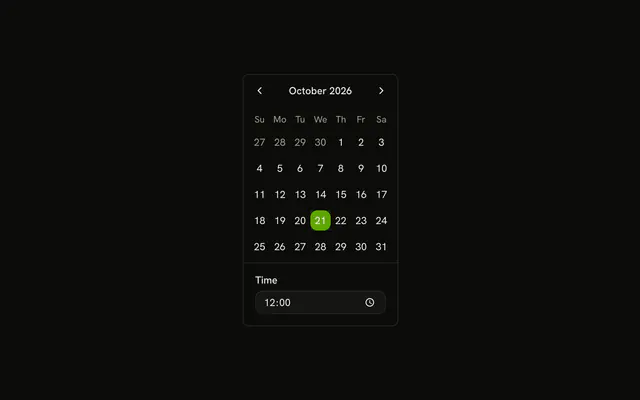
One month is on screen. Weekends, the 3rd through the 7th, and the 22nd cannot be picked. Clicking one of those days leaves the selection where it was.
Use it for days you do not offer, such as weekends or a closed stretch. Tint a booked day you still allow, instead of disabling it. Open the same rules from a Date Picker. In React, Base UI does not invent the blocked days.
Installation
Anatomy
Usage
<Calendar
  className="rounded-md border"
  disabled={disabledDays}
  mode="single"
  onSelect={setDate}
  selected={date}
/>
FAQ
Which days can't be picked?
disabled takes three matchers: { from, to } for the 3rd through the 7th, { dayOfWeek: [0, 6] } for Saturday and Sunday, and new Date(year, month, 22) for the 22nd.
Why are those dates built from year, month and day?
Those dates use new Date(year, month, day), which is local midnight. A date-only string such as 2025-06-01 is midnight UTC, still the previous day in time zones west of UTC.
How do I read the selected date?
mode="single" makes selected one date and onSelect the setter. This demo stores that date in state, starting from new Date().
API Reference
Calendar
Sets disabled={disabledDays}, mode="single", onSelect={setDate} and selected={date}. The rest is on the Calendar page.