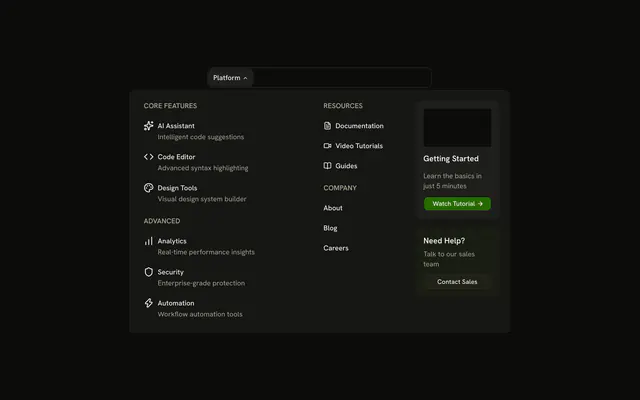
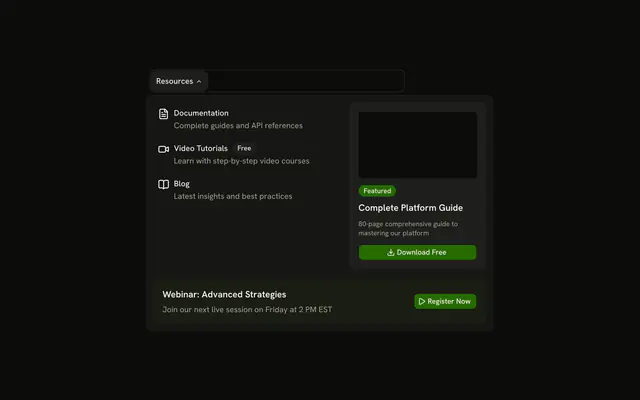
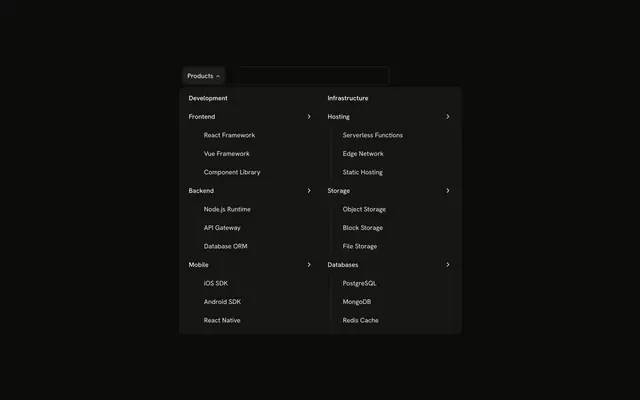
shadcn.io is an independent project built on shadcn/ui
The bar shows Solutions. The panel mixes solution cards, including Developer Platform and Design System, some with Popular or New badges, a webinar with Watch Now, and Start Building with two buttons.
Mix links, a promo, and a signup when the header is doing more than navigation. Keep a single list in a Dropdown Menu when that is all you need. In React, Base UI closes the open panel when you press Escape.
Installation
Anatomy
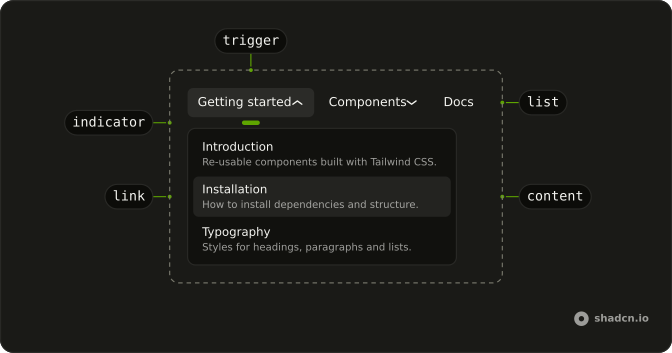
Usage
<div className="w-full max-w-md rounded-md border bg-background p-px">
  <NavigationMenu>
    <NavigationMenuList>
      <NavigationMenuItem>
        <NavigationMenuTrigger>Solutions</NavigationMenuTrigger>
        <NavigationMenuContent>
          <div className="grid w-[800px] max-w-full grid-cols-[1fr_300px] gap-6 p-4">
            <div className="grid grid-cols-2 gap-x-6 gap-y-4">
              {solutions.map((solution) => (
                <NavigationMenuLink
                  className="flex-col items-stretch justify-between gap-4"
                  key={solution.title}
                  render={<Link href="#" />}
                >
                  <div className="flex items-center justify-between gap-2">
                    <solution.icon aria-hidden="true" className="size-5" />
                    {solution.badge ? (
                      <Badge variant={solution.badgeVariant}>
                        {solution.badge}
                      </Badge>
                    ) : null}
                  </div>
                  <div className="flex flex-col gap-0.5">
                    <span className="font-medium">{solution.title}</span>
                    <span className="text-muted-foreground">
                      {solution.description}
                    </span>
                  </div>
                </NavigationMenuLink>
              ))}
            </div>
{/* The rest of the file is under Installation. */}
FAQ
How are the solution cards built?
Each card is a NavigationMenuLink with flex-col: the icon and an optional Badge on top, the title and description below.
How do the links use my router?
Each link is your router's link rendered through NavigationMenuLink, so it keeps the menu's styles and focus handling.
NavigationMenuLink takes the Next.js Link through render, as in render={<Link href="#" />}.
API Reference
Navigation Menu
No extra props in this demo. The rest is on the Navigation Menu page.
Badge
Sets variant={solution.badgeVariant}. The rest is on the Badge page.
Button
Sets size="sm" and variant="outline". The rest is on the Button page.