shadcn.io is an independent project built on shadcn/ui
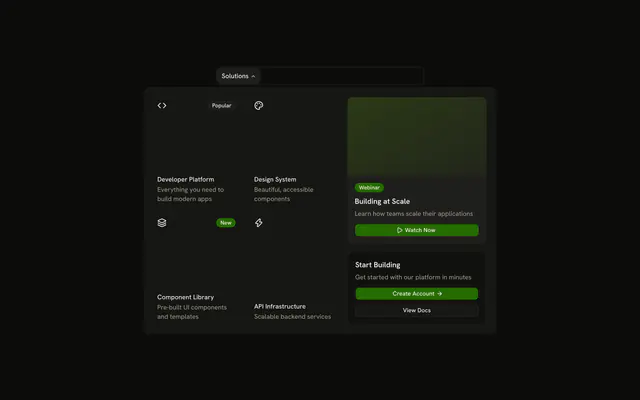
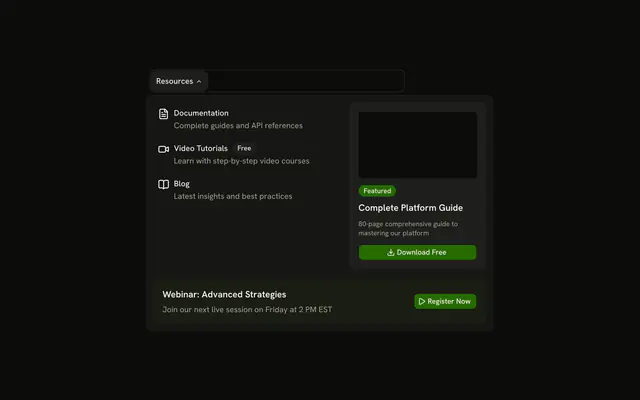
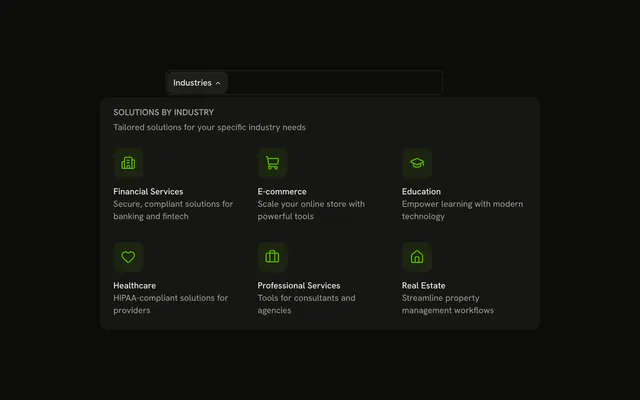
The bar shows Products. The panel lists AI Studio, Automation Suite, and Analytics Pro, each with an icon and a description, beside Get Started, Start Free Trial, and View Pricing.
Use the side panel when sign-up should sit next to the products. A Button in the page header is enough when there is only one next step. In React, Base UI closes the open panel when you press Escape.
Installation
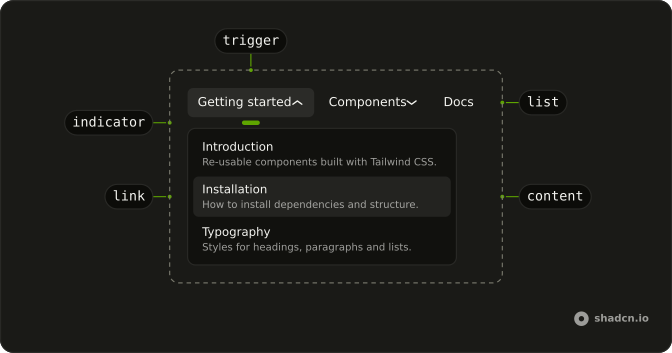
Anatomy
Usage
<div className="w-full max-w-md rounded-md border bg-background p-px">
  <NavigationMenu>
    <NavigationMenuList>
      <NavigationMenuItem>
        <NavigationMenuTrigger>Products</NavigationMenuTrigger>
        <NavigationMenuContent>
          <div className="grid w-[600px] max-w-full grid-cols-[2fr_1fr] gap-4 p-2">
            <div className="flex flex-col gap-1">
              {products.map((product) => (
                <NavigationMenuLink
                  className="items-start gap-2"
                  key={product.label}
                  render={<Link href={product.href} />}
                >
                  <product.icon
                    aria-hidden="true"
                    className="mt-0.5 size-5"
                  />
                  <div className="flex flex-col gap-0.5">
                    <span className="font-medium">{product.label}</span>
                    <span className="text-muted-foreground">
                      {product.description}
                    </span>
                  </div>
                </NavigationMenuLink>
              ))}
            </div>
            <div className="flex flex-col gap-3 rounded-lg bg-muted p-4">
              <div className="flex flex-col gap-2">
                <h4 className="font-semibold">Get Started</h4>
                <p className="text-muted-foreground text-sm">
{/* The rest of the file is under Installation. */}
FAQ
How is the panel split?
A two-column grid, grid-cols-[2fr_1fr]: the product links take two thirds, the call-to-action panel one third.
How do the links use my router?
Each link is your router's link rendered through NavigationMenuLink, so it keeps the menu's styles and focus handling.
NavigationMenuLink takes the Next.js Link through render, as in render={<Link href="#" />}.
API Reference
Navigation Menu
No extra props in this demo. The rest is on the Navigation Menu page.
Button
Sets variant="outline". The rest is on the Button page.