shadcn.io is an independent project built on shadcn/ui
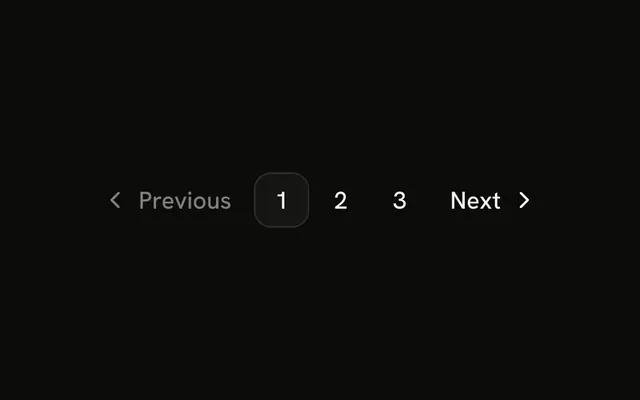
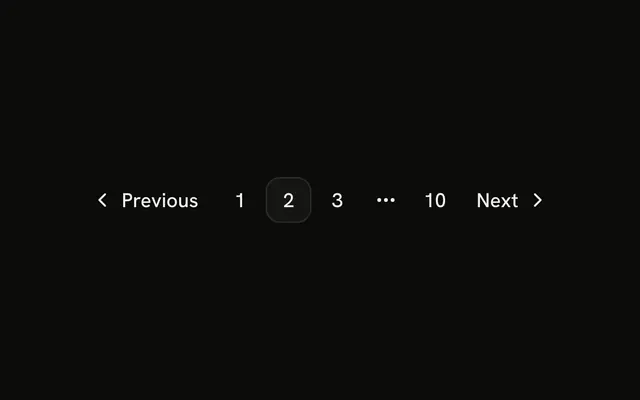
The row is Previous, pages 1, 2, and 3, an ellipsis, page 10, and Next. Page 2 is current. The ellipsis stands in for pages 4 to 9 and is not a link.
Use it when the current page is near the start and the last page should stay one click away. A Select is another way to jump. In React, Base UI does not build the gap. You choose which pages to show.
Installation
Anatomy
Usage
<Pagination>
  <PaginationContent>
    <PaginationItem>
      <PaginationPrevious href="#" />
    </PaginationItem>
    <PaginationItem>
      <PaginationLink href="#">1</PaginationLink>
    </PaginationItem>
    <PaginationItem>
      <PaginationLink href="#" isActive>
        2
      </PaginationLink>
    </PaginationItem>
    <PaginationItem>
      <PaginationLink href="#">3</PaginationLink>
    </PaginationItem>
    <PaginationItem>
      <PaginationEllipsis />
    </PaginationItem>
    <PaginationItem>
      <PaginationLink href="#">10</PaginationLink>
    </PaginationItem>
    <PaginationItem>
      <PaginationNext href="#" />
    </PaginationItem>
  </PaginationContent>
</Pagination>
FAQ
Where does the ellipsis sit in this row?
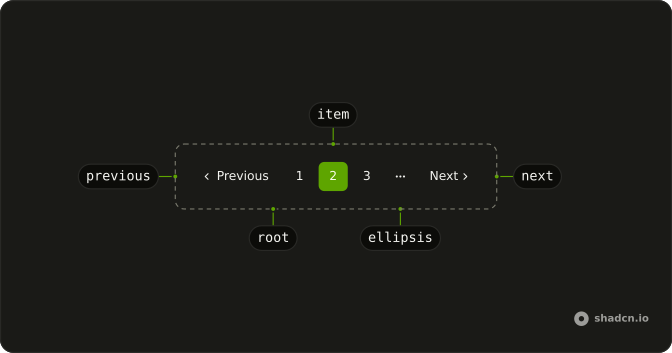
After pages 1, 2 and 3, and before the link for page 10. Page 2 has isActive. PaginationPrevious opens the row and PaginationNext closes it.
What is PaginationEllipsis here?
A span with aria-hidden and a more-horizontal icon. It is not a link. Pages 4 to 9 are not rendered. The nav is labeled "pagination".
How do I mark another page as current?
Move isActive to that PaginationLink. isActive sets the outline variant and aria-current="page". This file hardcodes the numbers, so change 1, 2, 3 and 10 yourself.
How do I give these controls real URLs?
Every href is #. Set it on PaginationPrevious, each PaginationLink, and PaginationNext.
API Reference
Pagination
Sets href="#" and isActive. The rest is on the Pagination page.