shadcn.io is an independent project built on shadcn/ui
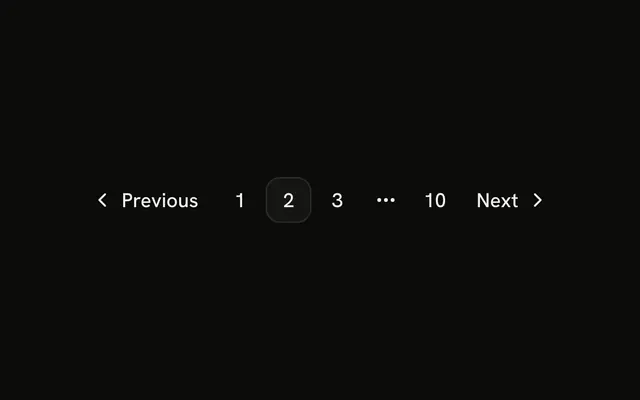
Ten page links sit in one row, from 1 to 10. Page 5 is current. They are rendered from a list of page numbers. Every href is #.
Use it only when every page fits on screen. Past about ten, collapse the middle with an ellipsis, or jump with a Select. In React, Base UI does not trim the row for you.
Installation
Anatomy
Usage
<Pagination>
  <PaginationContent>
    {pages.map((page) => (
      <PaginationItem key={page}>
        <PaginationLink href="#" isActive={page === 5}>
          {page}
        </PaginationLink>
      </PaginationItem>
    ))}
  </PaginationContent>
</Pagination>
FAQ
How are the ten links rendered?
The page numbers are a list, 1 to 10, mapped to one PaginationItem and PaginationLink each, keyed by the page number.
How is page 5 marked current?
isActive is true where the page equals 5, which gives that link the outline style and aria-current="page". Compare against your current page instead.
What if the row is too wide?
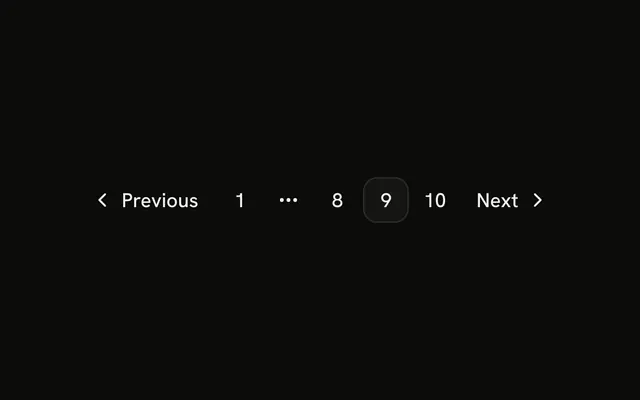
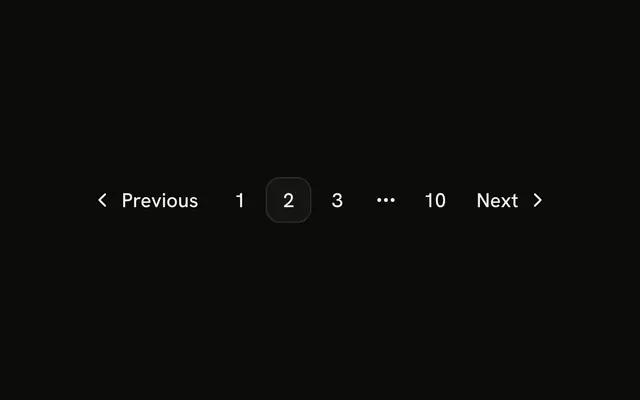
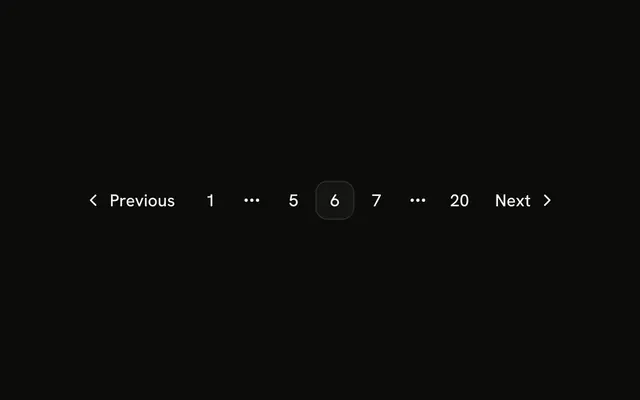
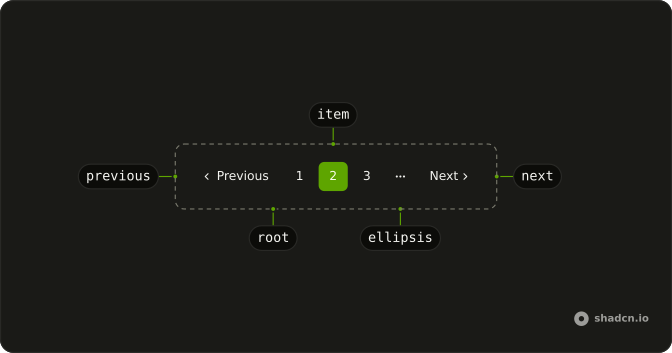
Ten links fit most screens; more don't. Collapse the middle with PaginationEllipsis, keeping the first, last and nearby pages.
Can Pagination generate the numbers for me?
No. Render the PaginationLinks yourself, and put a PaginationEllipsis in each gap you don't list.
API Reference
Pagination
Sets href="#" and isActive={page === 5}. The rest is on the Pagination page.