shadcn.io is an independent project built on shadcn/ui
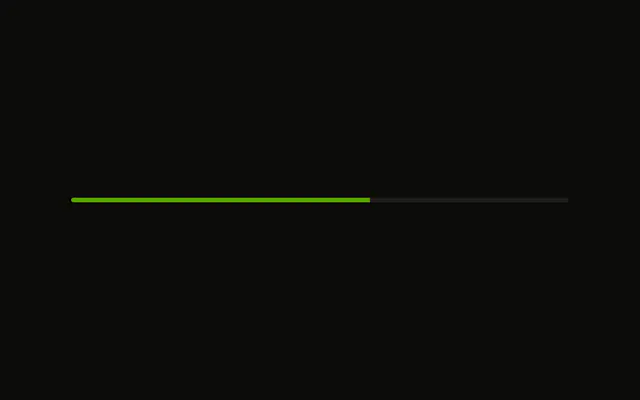
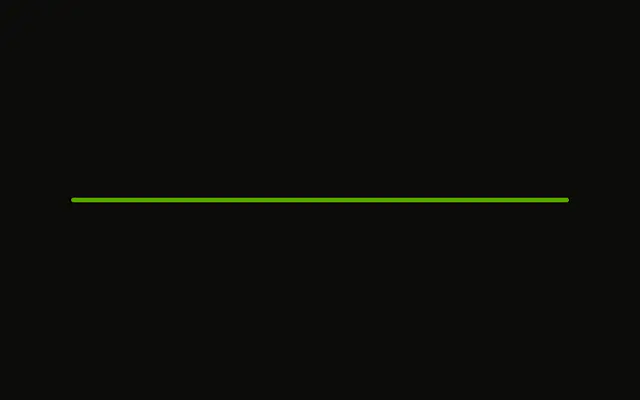
A bar at 60 percent on a 6 pixel track. The color is unchanged, and there is no visible label.
Use the shorter track in compact layouts, such as a table row or a card footer. Steps fit better when the work is a few named stages. In React, Base UI does not time the upload.
Installation
Sign in to get your install command
Free with an account. It carries your token, so the CLI installs everything in one go.
Use email insteadNo credit card
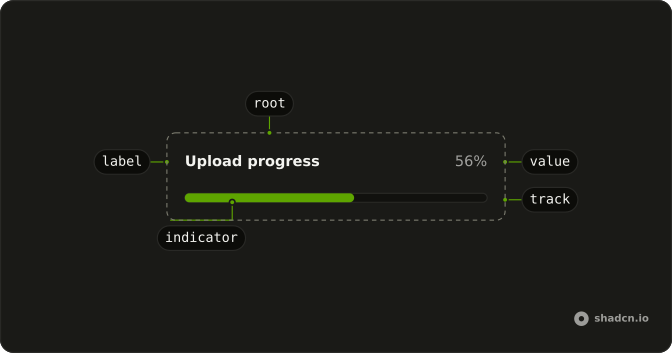
Anatomy
Usage
<Progress
  aria-label="Upload progress"
  className="w-full max-w-md *:data-[slot=progress-track]:h-1.5"
  value={60}
/>
FAQ
How is the track's height set?
With a class on Progress, since it has no size prop.
*:data-[slot=progress-track]:h-1.5 makes the track 6px tall.
The fill is h-full, so it follows.
How tall is it without the class?
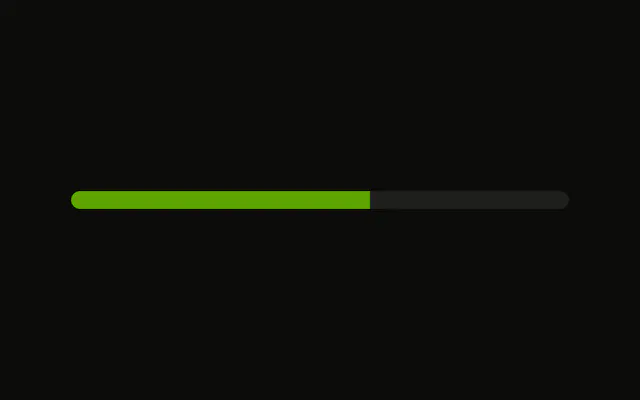
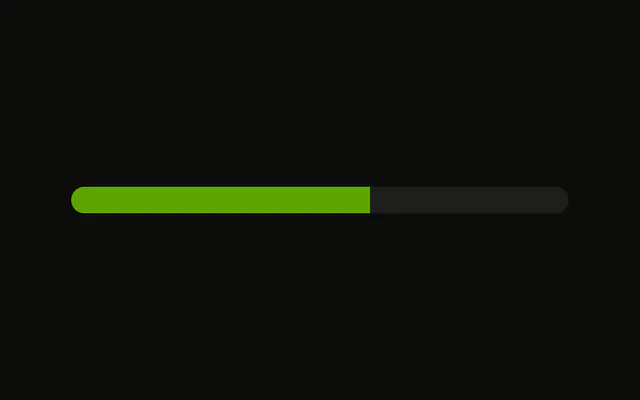
This demo sets no height. Each theme style sets its own, from h-0.5 to h-3.
Does the height change the colors?
The fill is bg-primary and the track bg-muted, from the theme's progress styles. This demo adds no color class.
API Reference
Progress
Sets aria-label="Upload progress" and value={60}. The rest is on the Progress page.