shadcn.io is an independent project built on shadcn/ui
Two horizontal lines share a row, with the word or in small capitals between them. The lines take the leftover space so they stay equal.
Use the centered word between two equal choices, such as social sign-in and an email form. A Button Group fits when the choice is two buttons, not a divider. In React, Base UI does not label the line.
Installation
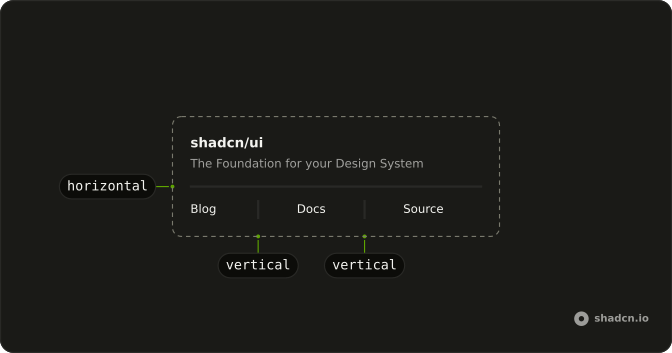
Anatomy
Usage
<div className="flex w-full max-w-sm items-center gap-2">
  <Separator className="flex-1" />
  <span className="shrink-0 text-muted-foreground text-xs uppercase">or</span>
  <Separator className="flex-1" />
</div>
FAQ
How do the two lines stay equal?
Each Separator has flex-1, and the label is a span with shrink-0. The row is flex items-center gap-2, so the lines share the leftover space and the word keeps its width.
Why does flex-1 matter on a Separator?
Separator includes shrink-0. flex-1 is merged after that class, and cn() keeps flex-1, which sets shrink too. That is what lets each line get shorter than the row.
How is the centered label styled?
The span text is or, with text-xs, text-muted-foreground and uppercase. Change the text in the span, and keep it short so both lines still show.
Is the label a heading?
No. It is a span, so it stays out of the heading outline. Use a heading element when those words should be a section title.
API Reference
Separator
No extra props in this demo. The rest is on the Separator page.