shadcn.io is an independent project built on shadcn/ui
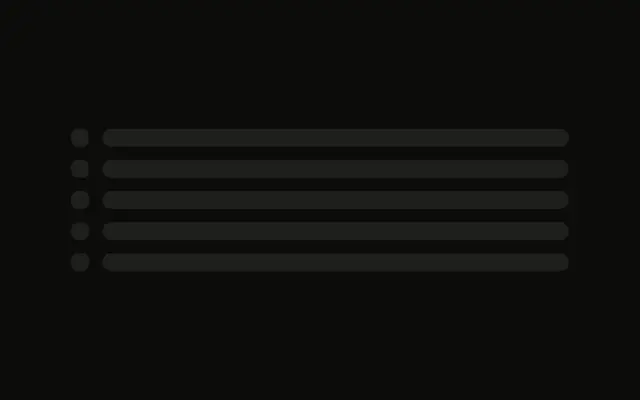
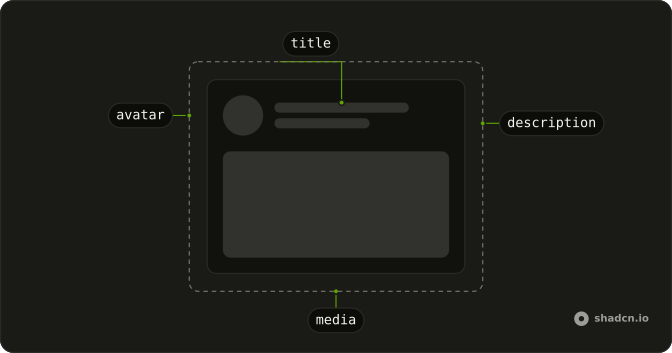
One column stands in for a post: a tall title, an author row, a hero block, and two paragraphs of lines.
Use it on an article page while the post loads, with the hero close to its real height. If you know how much is left, a Progress bar says more than a pulse. In React, Base UI only draws the bars.
Installation
Anatomy
Usage
<div className="flex w-full max-w-3xl flex-col gap-6">
  <Skeleton className="h-10 w-3/4" />
  <div className="flex items-center gap-4">
    <Skeleton className="size-12 rounded-full" />
    <div className="flex flex-col gap-2">
      <Skeleton className="h-4 w-32" />
      <Skeleton className="h-3 w-40" />
    </div>
  </div>
  <Skeleton className="h-64 w-full" />
  <div className="flex flex-col gap-3">
    <Skeleton className="h-4 w-full" />
    <Skeleton className="h-4 w-full" />
    <Skeleton className="h-4 w-full" />
    <Skeleton className="h-4 w-5/6" />
  </div>
  <div className="flex flex-col gap-3">
    <Skeleton className="h-4 w-full" />
    <Skeleton className="h-4 w-full" />
    <Skeleton className="h-4 w-4/6" />
  </div>
</div>
FAQ
How tall is the title bar?
h-10 w-3/4 at the top of a max-w-3xl column with gap-6. Match h-10 to the real heading's line height so the page does not jump when the title arrives.
What size is the hero block?
h-64 w-full, one bar between the author and the paragraphs. Set that height to the hero you actually render.
How are the two paragraphs shaped?
Each paragraph is a flex flex-col gap-3 of h-4 bars. The first ends on w-5/6. The second has three bars and ends on w-4/6. The short last line is what makes the group read as a paragraph.
API Reference
Skeleton
No extra props in this demo. The rest is on the Skeleton page.