shadcn.io is an independent project built on shadcn/ui
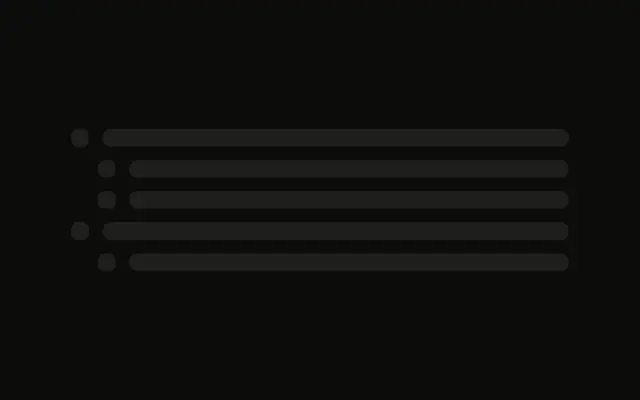
Five rows, each a small square and one line that fills the rest of the row.
Use it for a menu or a task list with one line per item. If that list has loaded and is empty, Empty is the right screen. In React, Base UI does not know how many items are coming.
Installation
Sign in to get your install command
Free with an account. It carries your token, so the CLI installs everything in one go.
Use email insteadNo credit card
Anatomy
Usage
<div className="flex w-full max-w-md flex-col gap-3">
  {ROWS.map((row) => (
    <div className="flex items-center gap-3" key={row}>
      <Skeleton className="size-4 rounded-sm" />
      <Skeleton className="h-4 flex-1" />
    </div>
  ))}
</div>
FAQ
What is in a row?
flex items-center gap-3: a size-4 rounded-sm block and an h-4 flex-1 bar. The bar fills whatever width the icon leaves.
Why is the icon rounded-sm?
rounded-sm replaces the style's default radius on that Skeleton. The text bar keeps the default. Both use bg-muted and animate-pulse.
What keys the rows?
The id from ROWS. The five rows are the same shape, so the key is what tells them apart.
API Reference
Skeleton
No extra props in this demo. The rest is on the Skeleton page.