Skip to content

shadcn.io is an independent project built on shadcn/ui

Free

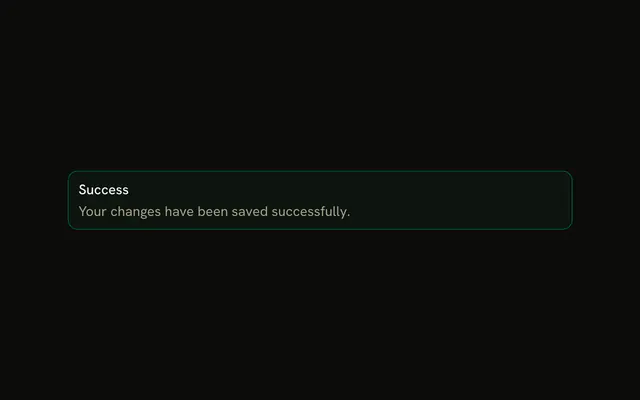
Success with Title and Action Alert for Solid

A success alert with the title Success and View Details plus Dismiss. No icon, no description, and neither button has a handler.

UI library: Ark UI

The title Success on a success-tinted alert, with View Details and Dismiss. No icon and no description. Neither button has a handler.

Use it after a save when people might want the details. If the confirmation can fade, use Sonner. In Solid, Ark UI does not close the alert.

Preview

Preview width

Installation

MCP · Pro
Make your AI a shadcn expert
Your agent installs components, builds pages and restyles your app from one prompt, in Claude Code, Cursor or VS Code.
Part of Pro

Anatomy

Alert anatomy: root, icon, title, description, action

Usage

<Alert class="max-w-lg" variant="success">
    <AlertTitle>Success</AlertTitle>
    <AlertAction class="flex gap-2">
      <Button size="xs">View Details</Button>
      <Button size="xs" variant="outline">
        Dismiss
      </Button>
    </AlertAction>
  </Alert>

FAQ

What sits next to the Success title?

View Details and Dismiss, in one AlertAction. The alert is variant="success" with a single AlertTitle and no description.

Why is View Details a default button rather than green?

Button has no success variant, so View Details uses the default variant and Dismiss uses outline. The alert's green tint already says it's good news; the filled button only marks the main action.

What button variants work best for success alerts?

A default button for the main action and outline for Dismiss, as here, both size="xs". In the success variant, ghost buttons inside AlertAction take a green hover color, which suits a quieter pair.

Where are the buttons positioned?

AlertAction is absolutely positioned at the top right, and the alert adds right padding so the title keeps its room. className="flex gap-2" puts the two buttons in one row.

Do these buttons do anything in the file?

No. Neither has a click handler. Alert has no built-in dismiss, so Dismiss hides the alert only when your state stops rendering it.

What else is set on the alert?

className="max-w-lg" caps the width. The title text is Success. There is no icon, so the alert does not open an icon column.

API Reference

Alert

Sets variant="success". The rest is on the Alert page.

Button

Sets size="xs" and variant="outline". The rest is on the Button page.