shadcn.io is an independent project built on shadcn/ui
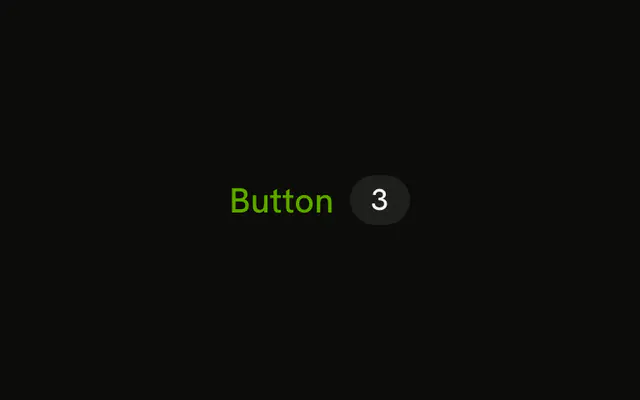
The link variant, with a kbd that reads ⌘K. The hint is only visual. Those keys do nothing until you listen for them.
Use it where people already know the shortcut and you want a reminder. If the shortcut is the feature, a Kbd outside the button is enough. In Solid, Ark UI does not bind the keys.
Installation
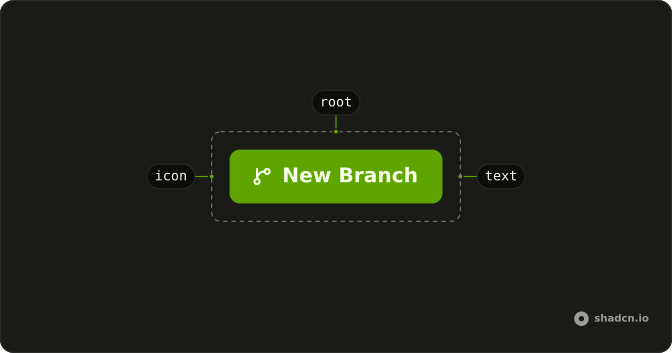
Anatomy
Usage
<Button variant="link">
    Button
    <Kbd>⌘K</Kbd>
  </Button>
FAQ
Does ⌘K fire this link-styled Button?
No. Kbd only shows ⌘K, with pointer events off so it won't take the click. You write the listener. Kbd is the label, not the shortcut.
How does the cap look on a link Button?
variant="link" is primary text and an underline on hover, with no fill. The demo uses a plain Kbd, no extra color class, after the label.
How do I show Ctrl instead of ⌘?
Edit the children. The demo doesn't detect the platform. Use the words Ctrl and K when the symbol would be ambiguous.
API Reference
Button
Sets variant="link". The rest is on the Button page.
Kbd
No extra props in this demo. The rest is on the Kbd page.