shadcn.io is an independent project built on shadcn/ui
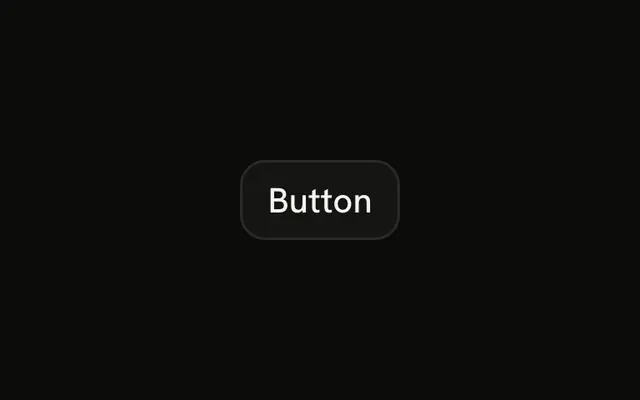
The link variant is the label on its own. It uses the primary color and underlines when you hover, so it can sit in a sentence, a table cell, or a card footer.
Use it for View details, Learn more, or Skip. If the click should open another URL, use a real link. The filled Button is the one you want people to find first. In Solid, Ark UI still renders a button, so this does not navigate on its own.
Installation
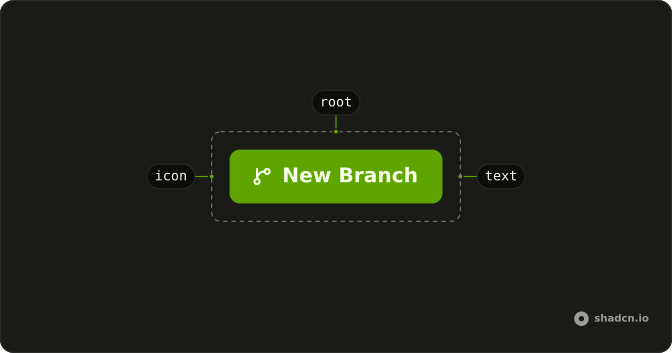
Anatomy
Usage
<Button variant="link">Button</Button>FAQ
Why doesn't this Button go anywhere?
variant="link" sets the look: primary-colored text, no fill, and an underline on hover (underline-offset-4). It is still a button, so the click doesn't open a URL.
How do I make it open a page in Solid?
asChild and spread the props it gives you on your link.Keep variant="link" if you still want the quiet text style.When does the underline show?
On hover. The label is plain until then. Add your own class if it should be underlined the whole time. The text color is the theme's primary color.
How is this different from an outline Button?
Outline has a border and a button shape. The link variant is the label on its own, so it can sit in a sentence, a table cell, or a card footer. The filled Button is the one people should find first.
API Reference
Button
Sets variant="link". The rest is on the Button page.