shadcn.io is an independent project built on shadcn/ui
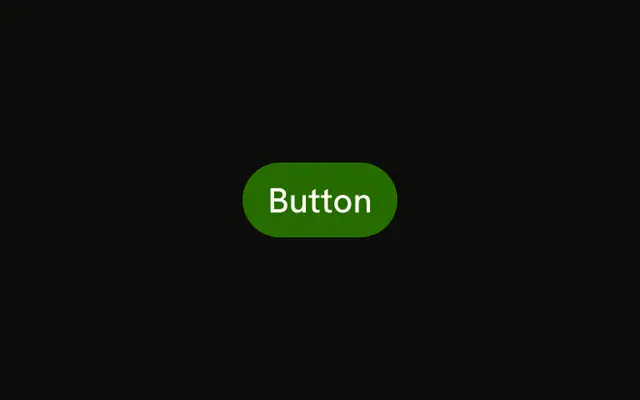
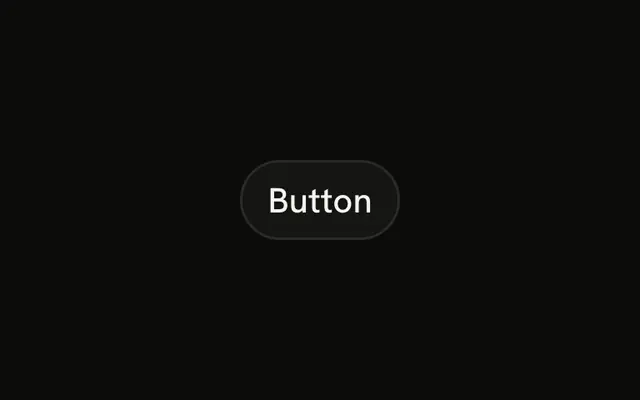
The link variant with the pill prop, so the ends are fully round. On a text button the rounding is easy to miss. Use it when the rest of the screen is already round.
Skip it in a dense table, where a square control is easier to scan. The filled Button with pill is the one people notice. In Solid, Ark UI rounds the control with pill and does not change the click.
Installation
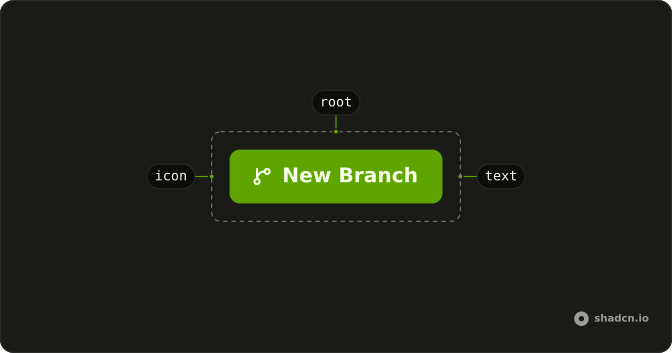
Anatomy
Usage
<Button pill variant="link">
    Button
  </Button>
FAQ
What does pill do to a link Button?
pill rounds the ends fully. variant="link" has no fill and no border, so the roundness mostly shows in the hit area and the focus ring. The text still underlines on hover.
Why does this look almost like the square link Button?
The link variant is the label on its own. There's no background for the radius to clip. You'll see the pill clearly once the control has padding around a longer label, or a focus ring.
When is a round link worth it?
When the other controls on that line are pills and this quiet action should match. On a page of square buttons, leave pill off.
API Reference
Button
Sets pill and variant="link". The rest is on the Button page.