shadcn.io is an independent project built on shadcn/ui
The button says Pick a date, with a calendar icon. In the month, weekends, the 3rd through the 7th, and the 22nd are unavailable.
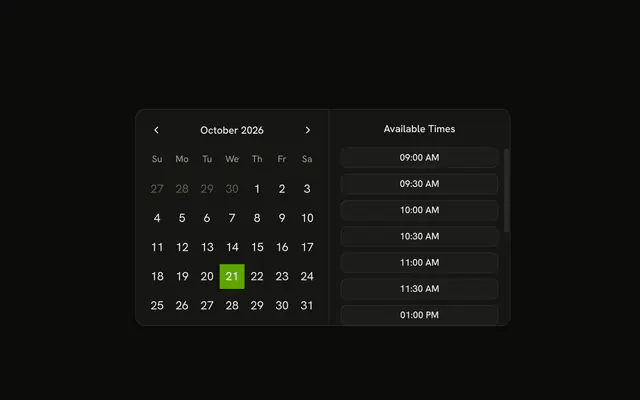
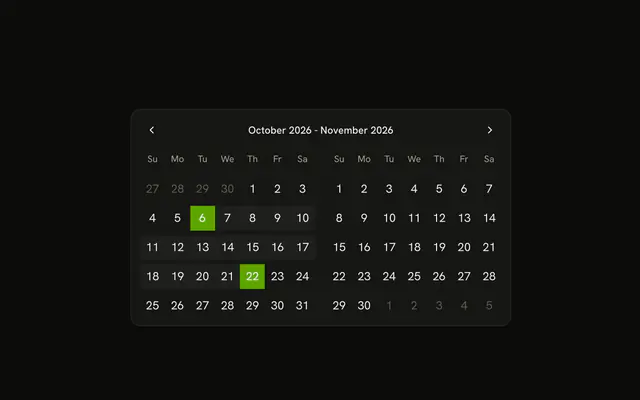
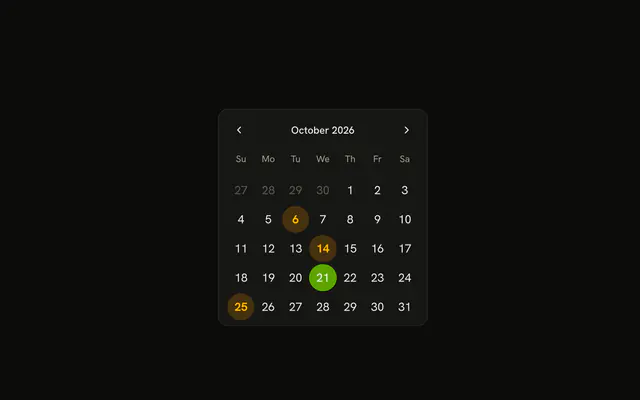
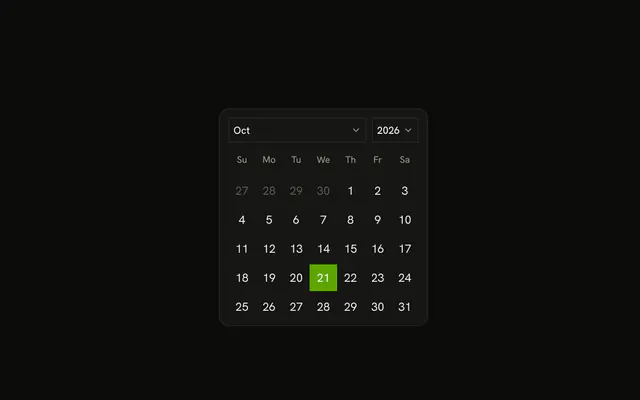
Disable dates that cannot be booked, such as weekends and a blocked range. A Calendar can show the same closed days without a field. In Solid, Ark UI does not choose which dates to close.
Installation
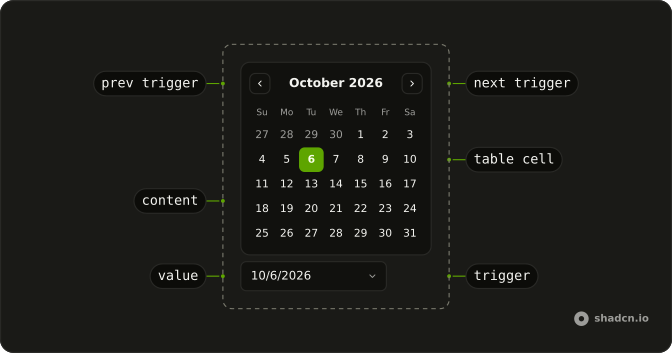
Anatomy
Usage
<DatePicker isDateUnavailable={isDateUnavailable} onValueChange={handleValueChange} positioning={positioning} value={value()}>
      <DatePickerTrigger asChild={props => <Button {...props({
      "class": "w-70 justify-start font-normal"
    })} variant="outline">
          <CalendarIcon aria-hidden="true" data-icon="inline-start" />
          <span>{date ? formatDate(date) : "Pick a date"}</span>
        </Button>} />
      <DatePickerContent>
        <CalendarViewControl>
          <CalendarPrevTrigger />
          <CalendarViewDate />
          <CalendarNextTrigger />
        </CalendarViewControl>
        <CalendarTable>
          <CalendarWeekDays />
          <CalendarTableDays />
        </CalendarTable>
      </DatePickerContent>
    </DatePicker>
FAQ
How are the dates disabled?
isDateUnavailable on DatePicker gets each day and returns true for a weekend, a day in the range or the single date. Unavailable days can't be selected and show a line-through.
How are weekends detected?
The function turns the day into a Date and checks getDay() for Sunday or Saturday. For locales whose weekend falls on other days, compare against those days instead.
How is the blocked range written?
Two dates in the current month, the 3rd and four days later. A day is in the range when it compares at or after the start and at or before the end.
How do I block past dates?
Set min on DatePicker to today. Days before it are disabled and the calendar won't navigate earlier, which isDateUnavailable doesn't do.
API Reference
Date Picker
Sets isDateUnavailable={isDateUnavailable}, onValueChange={handleValueChange}, positioning={positioning}, value={value()}, asChild and props. The rest is on the Date Picker page.
Button
Sets props, w-70, justify-start, font-normal and variant="outline". The rest is on the Button page.
Calendar
No extra props in this demo. The rest is on the Calendar page.