shadcn.io is an independent project built on shadcn/ui
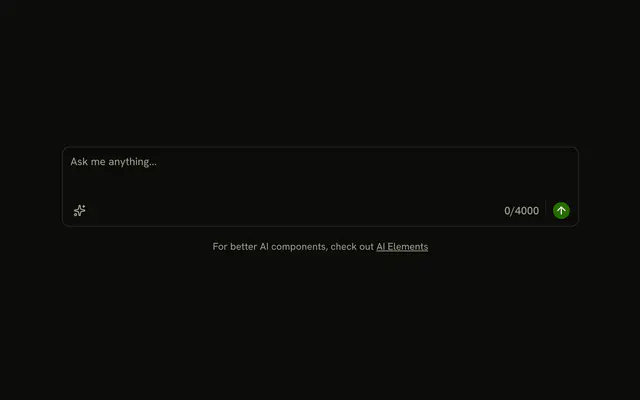
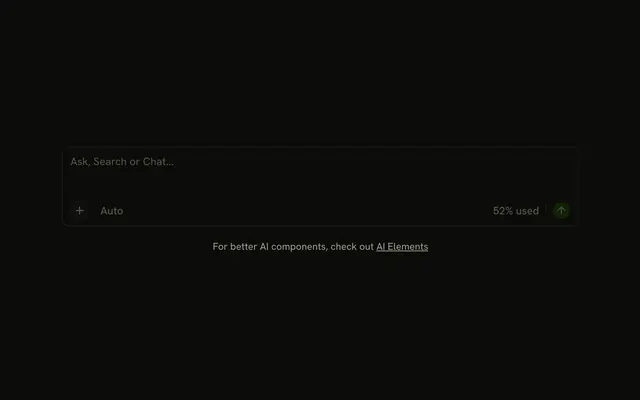
Under the textarea, the footer shows 0/500 and a Post button with a send icon. The count stays at 0/500 while someone types. The textarea stops at 500 characters. Post does not send the message.
Use it for a post with a visible limit and one action. A single-line cap fits an Input. In Solid, Ark UI does not update the count as someone types.
Installation
Anatomy

Usage
<InputGroup class="w-full max-w-sm bg-background">
    <InputGroupTextarea aria-label="Message" class="min-h-[100px]" maxLength={500} placeholder="Write your message..." />
    <InputGroupAddon align="block-end">
      <InputGroupText>0/500</InputGroupText>
      <InputGroupButton class="ms-auto" size="sm" variant="default">
        Post
        <SendIcon aria-hidden="true" data-icon="inline-end" />
      </InputGroupButton>
    </InputGroupAddon>
  </InputGroup>
FAQ
What enforces the 500-character limit?
maxLength={500} on InputGroupTextarea: the browser stops input at 500 characters.
Does 0/500 update as people type?
No, it's fixed text. Keep the textarea's value in state and render its length, as in the Field gallery's Textarea with Character Count.
How are the count and the button laid out?
Both sit in one block-end InputGroupAddon. The count comes first and ms-auto on the button pushes it to the end.
How is the send icon placed in the button?
After the text, with data-icon="inline-end" so the button spaces it as a trailing icon.
API Reference
Input Group
Sets aria-label="Message", maxLength={500}, placeholder="Write your message...", align="block-end", size="sm" and variant="default". The rest is on the Input Group page.