shadcn.io is an independent project built on shadcn/ui
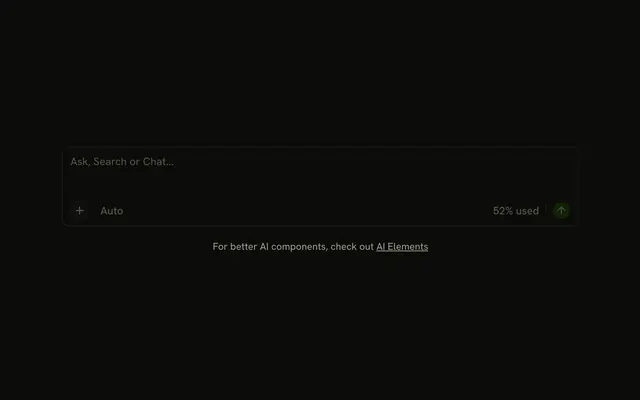
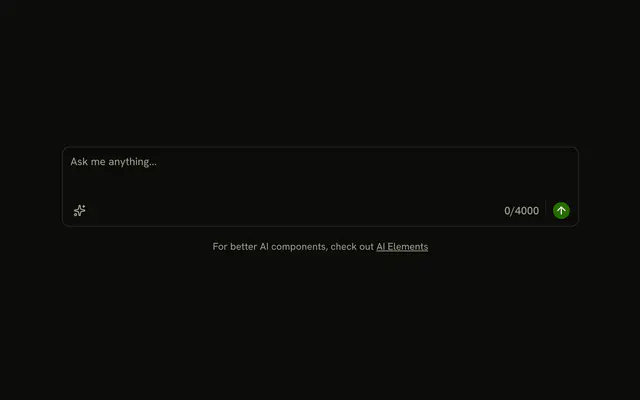
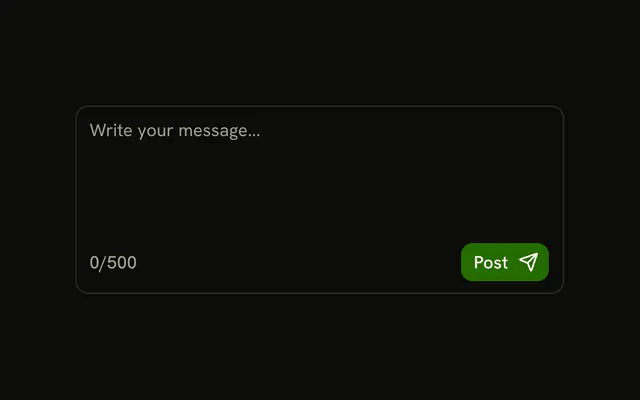
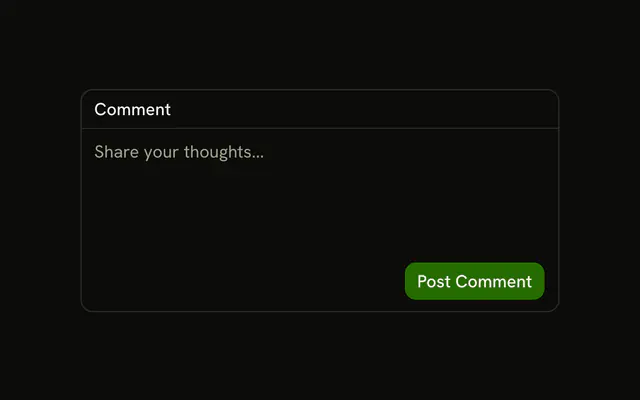
A message box with a row under the text. Submit sits at the end of that row. It is a button, not a form submit, so it does not post anything on its own. The textarea is labeled Message.
Use it when the action belongs to the text, not to a separate toolbar. A one-line message can use an Input instead. In Solid, Ark UI does not submit a surrounding form from this button.
Installation
Anatomy

Usage
<InputGroup class="w-full max-w-sm bg-background">
    <InputGroupTextarea aria-label="Message" class="min-h-[100px]" placeholder="Type your message..." />
    <InputGroupAddon align="block-end">
      <InputGroupButton class="ms-auto" size="sm" variant="default">
        Submit
      </InputGroupButton>
    </InputGroupAddon>
  </InputGroup>
FAQ
How does the button end up under the textarea?
align="block-end" on the InputGroupAddon, which is written after InputGroupTextarea. Block-end addons span the full width under the control.
Why is Submit on the right?
ms-auto on the InputGroupButton takes the free space before it. It's a logical margin, so in a right-to-left layout the button moves to the left.
Does Submit submit a form?
Not by itself: InputGroupButton is type="button" by default. Put the group in a form and set type="submit" on the button.
Can I add more buttons to the row?
Yes. Put them before Submit in the same addon; ms-auto keeps Submit at the end.
How is the textarea labeled?
With aria-label="Message", since there's no visible label. Use a visible one when the context doesn't make the field obvious, as in Textarea with Label.
API Reference
Input Group
Sets aria-label="Message", placeholder="Type your message...", align="block-end", size="sm" and variant="default". The rest is on the Input Group page.