shadcn.io is an independent project built on shadcn/ui
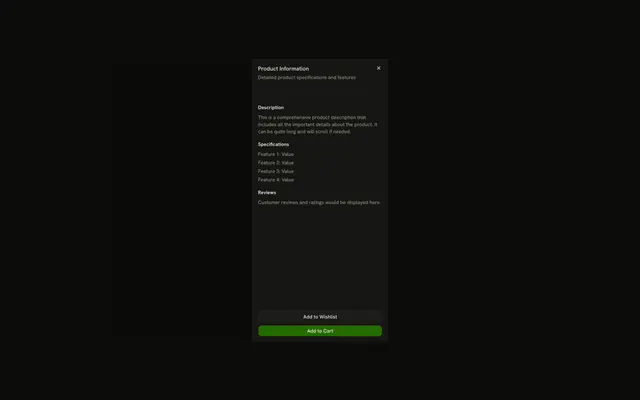
The title is Complete Your Profile. The description says to fill in information to get started. A short paragraph fills the middle. Cancel and Continue sit at the bottom.
Use this split when the actions must stay put under a changing body. A one-question task fits a Dialog better. In Solid, Ark UI does not treat Continue as a submit.
Installation
Anatomy

Usage
<Sheet>
    <SheetTrigger asChild={props => <Button {...props()}>Open Sheet</Button>} />
    <SheetContent>
      <SheetHeader>
        <SheetTitle>Complete Your Profile</SheetTitle>
        <SheetDescription>
          Fill in your information to get started
        </SheetDescription>
      </SheetHeader>
      <div class="flex-1 p-4">
        <p class="text-muted-foreground text-sm">
          This is the main content area of the sheet. It can contain forms,
          lists, or any other content you need to display.
        </p>
      </div>
      <SheetFooter>
        <SheetClose asChild={props => <Button {...props({
        "class": "w-full"
      })} variant="outline">
            Cancel
          </Button>} />
        <Button class="w-full">Continue</Button>
      </SheetFooter>
    </SheetContent>
  </Sheet>
FAQ
How is the sheet split into header, body and footer?
SheetContent is a flex column. SheetHeader comes first, the body div has flex-1 so it fills the space in between, and SheetFooter sits last.
How does Cancel close the sheet?
It's wrapped in SheetClose, which dismisses the sheet when pressed.
asChild on SheetClose receives props: spread them onto the button.
Does Continue do anything?
Not yet: it's a plain Button. Run your next step from it, and close the sheet by controlling its open state if that step leaves the panel:
Pass open to Sheet and read details.open in onOpenChange.
What if the body gets long?
Add overflow-y-auto to the body next to flex-1. The body then scrolls while the header and footer stay in place.
API Reference
Sheet
Sets asChild and props. The rest is on the Sheet page.
Button
Sets props, w-full and variant="outline". The rest is on the Button page.