shadcn.io is an independent project built on shadcn/ui
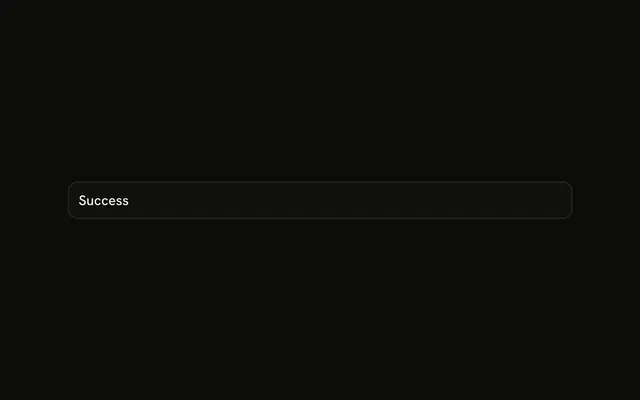
A file question icon in a small tile and the title No items found. There is no description and no button.
Use it in a widget where the screen around it already explains the list. If people need a next step, add one on a Button. In Solid, Ark UI does not know why the list is empty.
Installation
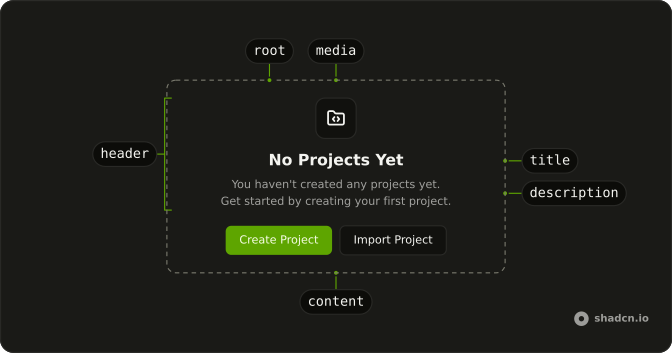
Anatomy
Usage
<Empty>
    <EmptyHeader>
      <EmptyMedia variant="icon">
        <FileQuestionMarkIcon aria-hidden="true" />
      </EmptyMedia>
      <EmptyTitle>No items found</EmptyTitle>
    </EmptyHeader>
  </Empty>
FAQ
What does the simple empty state render?
EmptyHeader with EmptyMedia variant="icon" around FileQuestionMarkIcon, and EmptyTitle "No items found". There is no EmptyDescription and no EmptyContent.
How is the icon sized?
FileQuestionMarkIcon has no size class. variant="icon" draws the tile and sizes that unsized icon. The part sets data-variant="icon".
How do I add a sentence under the title?
Add EmptyDescription after EmptyTitle, still inside EmptyHeader. This demo stops at the title.
API Reference
Empty
Sets variant="icon". The rest is on the Empty page.