shadcn.io is an independent project built on shadcn/ui
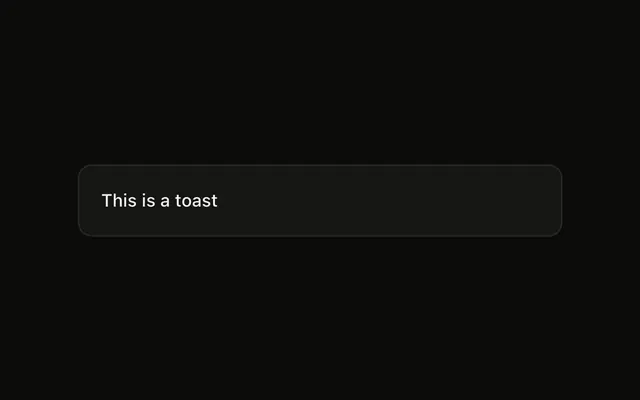
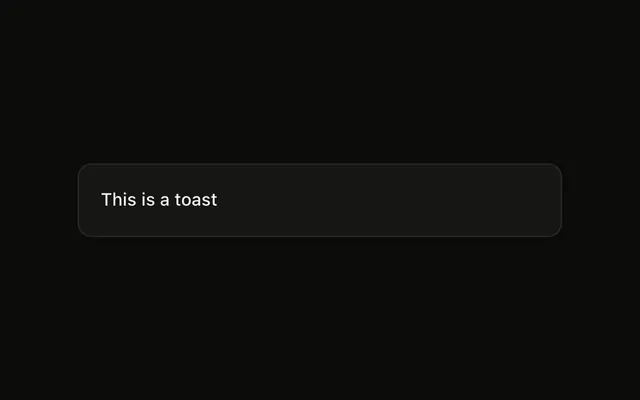
Show Toast is an outline button. The notice says This is a toast and sits at the bottom center. Only this call is placed there.
Use the bottom center when neither side should win, including on a phone. A note that stays in the layout is an Alert. In React, Base UI does not move the other toasts.
Installation
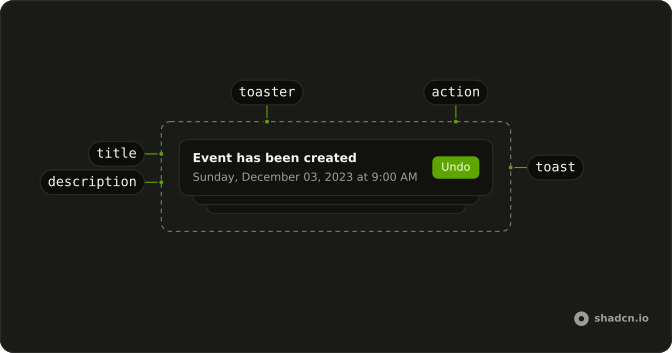
Anatomy
Usage
<>
  <Toaster />
  <Button onClick={handleShowToast} variant="outline">
    Show Toast
  </Button>
</>
FAQ
Where does this toast appear?
The button calls toast("This is a toast", { position: "bottom-center" }). That places this notice at the bottom center. Other toasts keep the position set on Toaster.
How do I put every toast in that spot?
Set position="bottom-center" on Toaster. This demo sets position on the one call, which is how a single notice lands somewhere the others do not.
Does the position change the message?
No. The message is the string "This is a toast". This call passes no description, icon, action, or duration.
What if I leave position off the call?
Omit position and Toaster uses bottom-right. This call passes bottom-center so only this notice moves. The allowed values are top-left, top-center, top-right, bottom-left, bottom-center, and bottom-right.
API Reference
Sonner
No extra props in this demo. The rest is on the Sonner page.
Button
Sets onClick={handleShowToast} and variant="outline". The rest is on the Button page.