shadcn.io is an independent project built on shadcn/ui
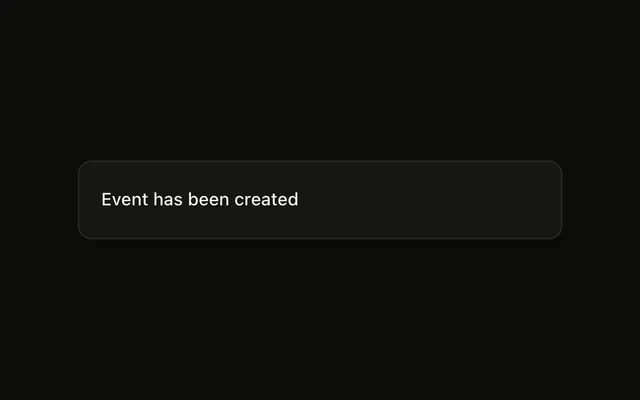
Show Toast is an outline button. The notice is one line, Event has been created, with no status icon. It uses the usual 4 seconds at the bottom right.
Use it for a neutral result, such as created, changed, or copied. If the notice should be built like the rest of the page, use Toast. In React, Base UI themes the toaster and does not write this line.
Installation
Anatomy
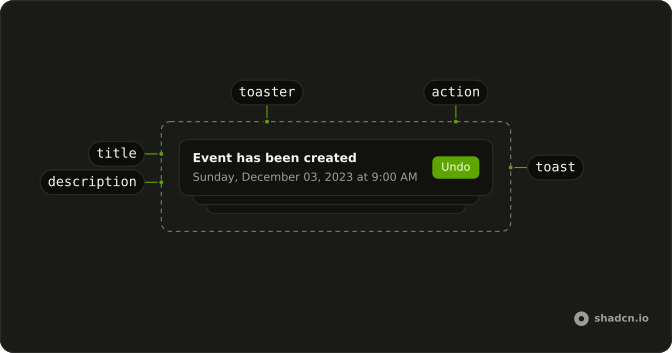
Usage
<>
  <Toaster />
  <Button onClick={handleShowToast} variant="outline">
    Show Toast
  </Button>
</>
FAQ
What does this toast call pass?
The button calls toast with "Event has been created" and no second argument. There is no description, action, or icon on this call, so the notice is that one line.
Does the demo render the toaster?
The demo renders its own Toaster beside the button, so it works on its own. In an app, render one Toaster near the root and call toast from anywhere.
How do I get a success or error icon on this message?
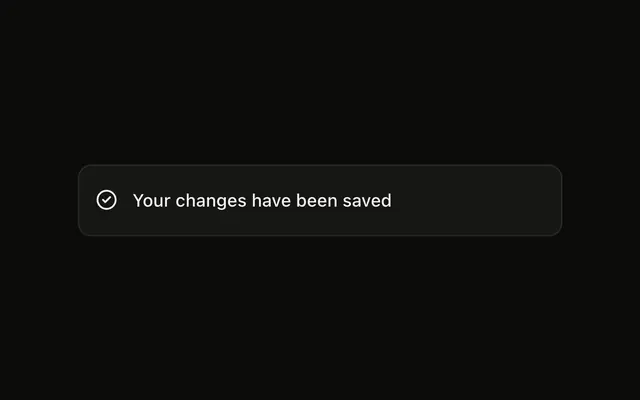
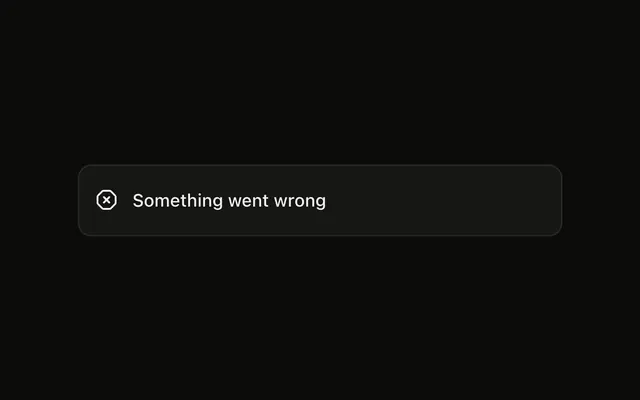
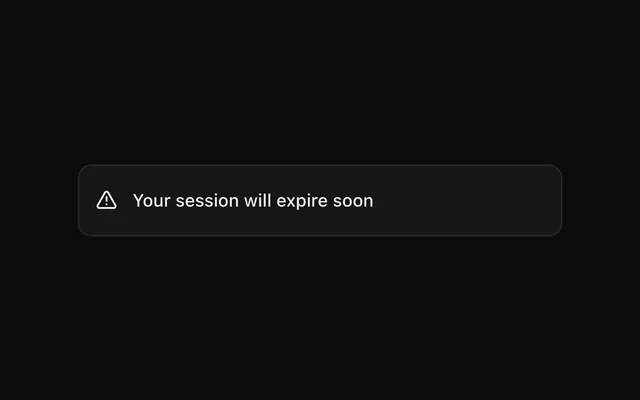
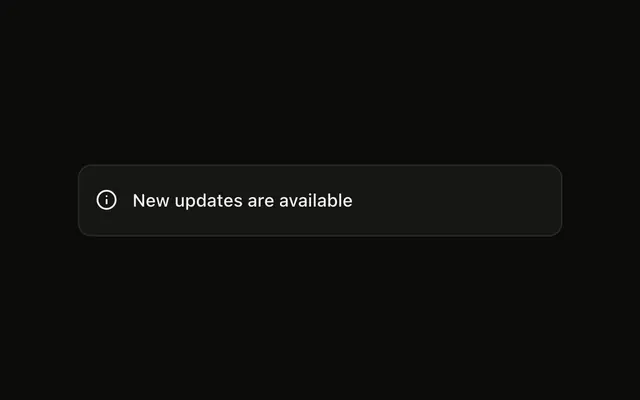
Call toast.success, toast.error, toast.warning, or toast.info with the message. Each helper sets a type, and Toaster draws the matching icon. This demo stays on plain toast, which leaves the icon slot empty.
How do I add a second line under the title?
Pass description in the second argument. That string renders under the title. This call does not pass it.
Where does this toast show up?
This call does not pass position. Toaster uses bottom-right when that prop is omitted. Set position on Toaster when every toast should share another spot.
When is the Toast component a better fit?
Use Sonner for this pattern: one toast() call and a single Toaster. Use Toast when the notice should be built from the same parts as the rest of the page. Sonner itself is React only.
API Reference
Sonner
No extra props in this demo. The rest is on the Sonner page.
Button
Sets onClick={handleShowToast} and variant="outline". The rest is on the Button page.