shadcn.io is an independent project built on shadcn/ui
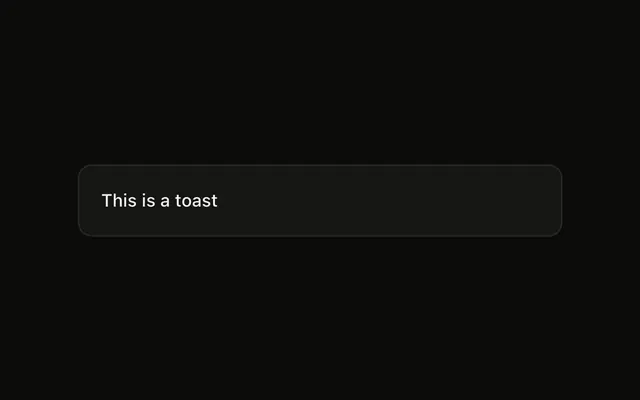
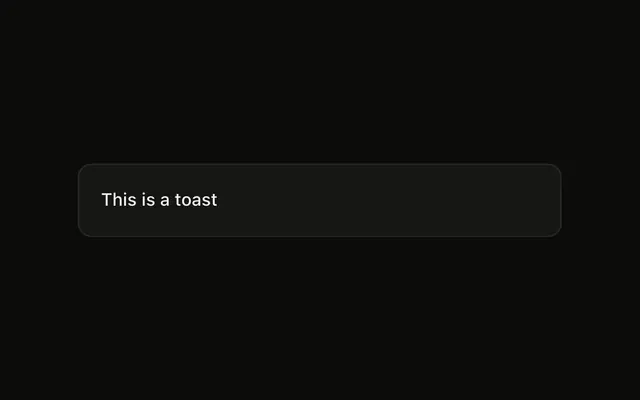
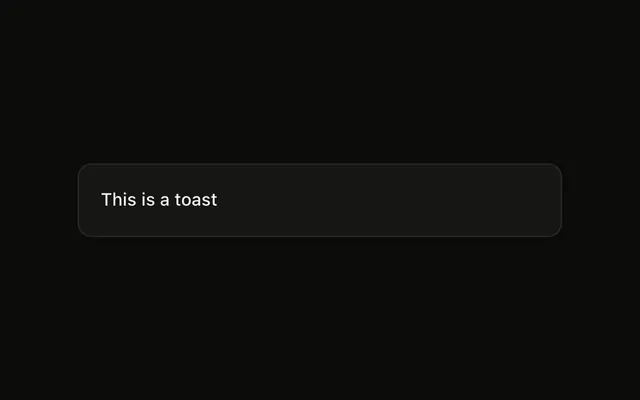
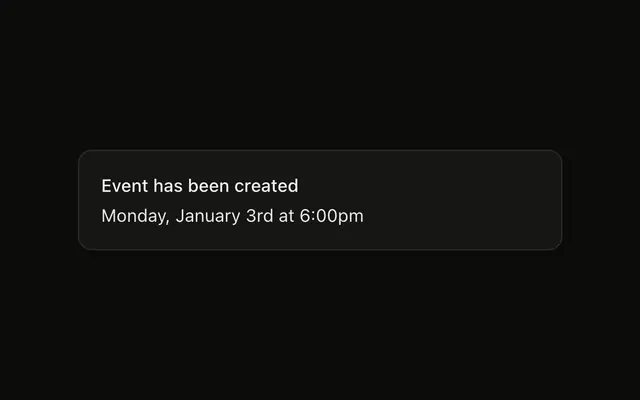
Show Toast is an outline button. The notice says This is a toast and appears at the top right. Other toasts stay where the toaster puts them.
Use the top right to stay in view without covering the work. The usual spot is the bottom right. A message that belongs in the page is an Alert. In React, Base UI does not set this position.
Installation
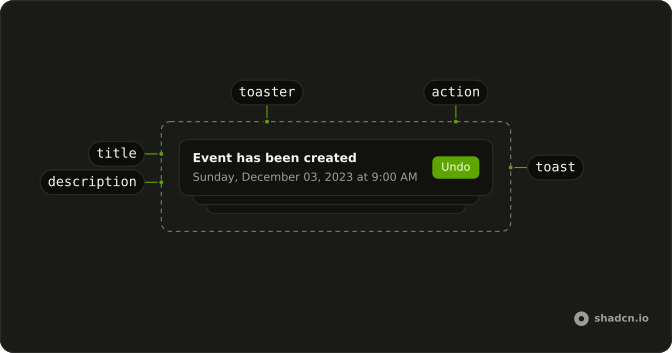
Anatomy
Usage
<>
  <Toaster />
  <Button onClick={handleShowToast} variant="outline">
    Show Toast
  </Button>
</>
FAQ
Where does this toast appear?
The button calls toast("This is a toast", { position: "top-right" }). That places this notice at the top right. Other toasts keep the position set on Toaster.
How do I put every toast in that spot?
Set position="top-right" on Toaster. This demo sets position on the one call, which is how a single notice lands somewhere the others do not.
Does the position change the message?
No. The message is the string "This is a toast". This call passes no description, icon, action, or duration.
What if I leave position off the call?
Omit position and Toaster uses bottom-right. This call passes top-right so only this notice moves. The allowed values are top-left, top-center, top-right, bottom-left, bottom-center, and bottom-right.
API Reference
Sonner
No extra props in this demo. The rest is on the Sonner page.
Button
Sets onClick={handleShowToast} and variant="outline". The rest is on the Button page.