shadcn.io is an independent project built on shadcn/ui
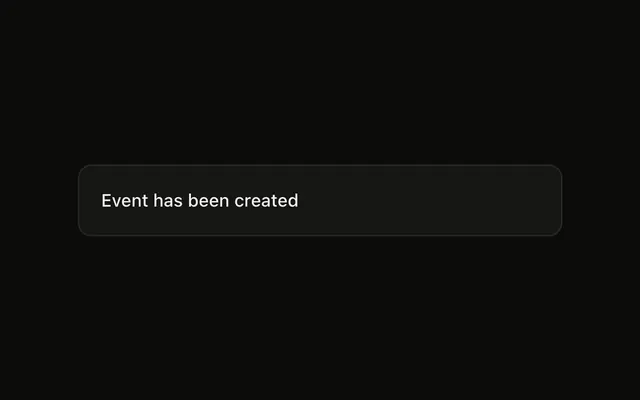
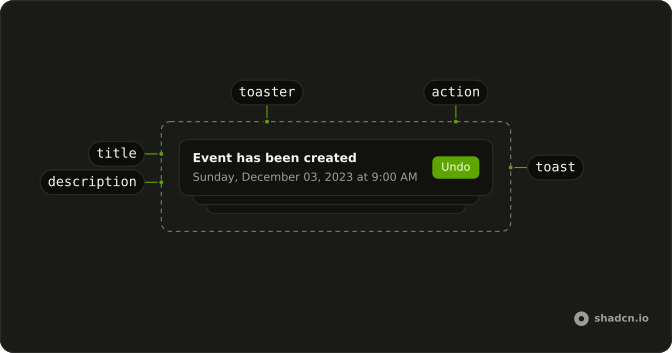
Show Toast is an outline button. The notice says Event has been created and has Undo. Undo closes it and shows a success toast that says Action clicked.
Use it for Undo, or another small follow-up that fits in the toast. If missing it would be a problem, confirm in an Alert Dialog. In React, Base UI does not undo the event.
Installation
Anatomy
Usage
<>
  <Toaster />
  <Button onClick={handleShowToast} variant="outline">
    Show Toast
  </Button>
</>
FAQ
How is the Undo button set?
The toast title is "Event has been created". action is { label: "Undo", onClick: () => toast.success("Action clicked") }. The label is the button text.
What happens when Undo is clicked?
onClick runs, then the toast closes. This handler does not call preventDefault, so the close still happens, and a success toast shows "Action clicked".
How do I add a second button?
Pass cancel with its own label and onClick. This demo passes action only, so there is one button.
Which other options does this call pass?
None. There is no description, duration, icon, or position. The notice is the title plus the Undo action.
API Reference
Sonner
No extra props in this demo. The rest is on the Sonner page.
Button
Sets onClick={handleShowToast} and variant="outline". The rest is on the Button page.