shadcn.io is an independent project built on shadcn/ui
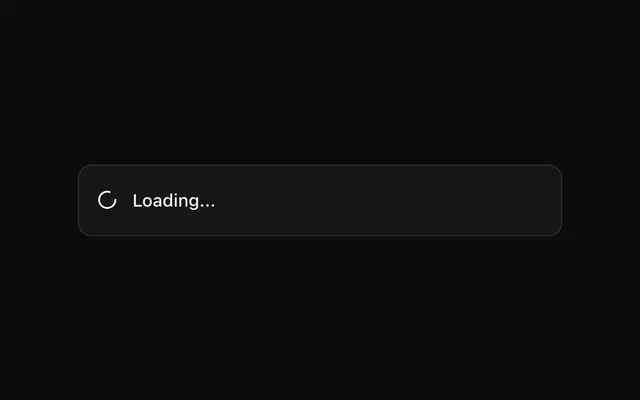
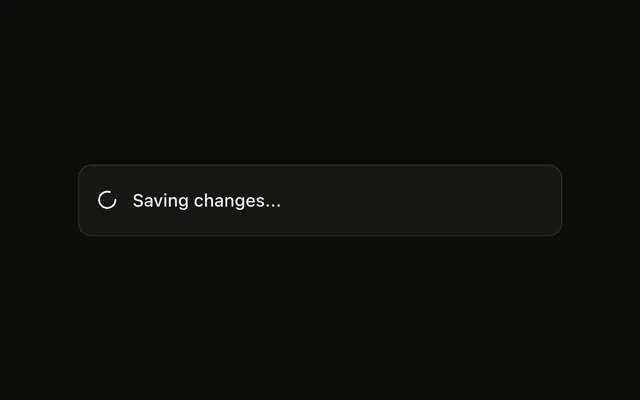
Show Loading is an outline button. The toast says Processing your request... with a spinner, and it stays up. This file never dismisses it.
Use it when you will update or dismiss that same toast yourself. If the wait belongs on the control, a loading Button is clearer. In React, Base UI does not know when the request ends.
Installation
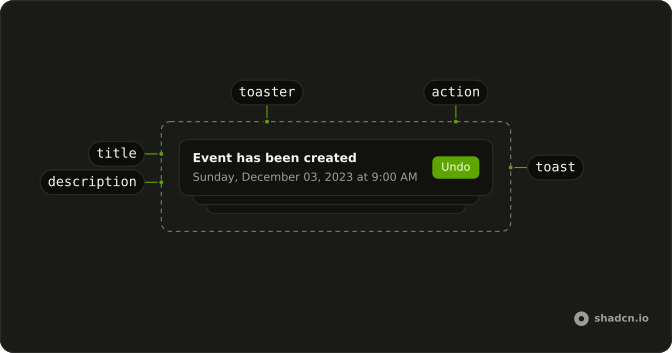
Anatomy
Usage
<>
  <Toaster />
  <Button onClick={handleShowToast} variant="outline">
    Show Loading
  </Button>
</>
FAQ
What does this loading toast pass?
The button calls toast.loading with "Processing your request...". That sets the type to loading. Toaster shows a spinning Loader2Icon with className="size-4 animate-spin".
Does this loading toast close on its own?
No. A toast whose type is loading skips the auto-close timer. This call does not pass duration, and the file never dismisses it, so the spinner stays up.
How do I clear it when the request finishes?
toast.loading returns an id. This demo ignores that id. Keep it, then pass the same id to toast.success or toast.error to reuse the toast, or pass it to toast.dismiss.
How do I let the toast swap to success or error for me?
Call toast.promise with the promise and loading, success, and error messages. That keeps one toast and replaces the loading line when the promise settles. This demo calls toast.loading only.
API Reference
Sonner
No extra props in this demo. The rest is on the Sonner page.
Button
Sets onClick={handleShowToast} and variant="outline". The rest is on the Button page.