shadcn.io is an independent project built on shadcn/ui
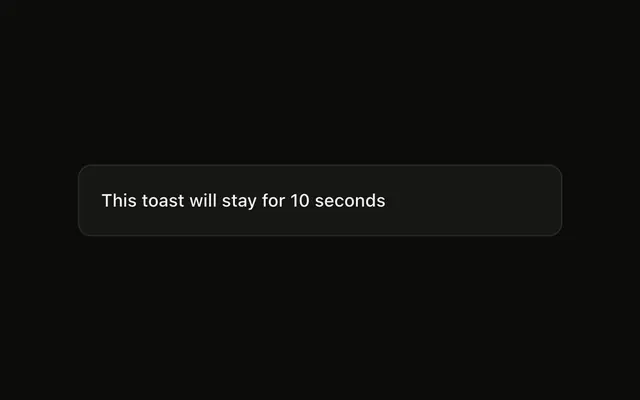
Show Toast is an outline button. The notice says This toast cannot be dismissed. A swipe will not close it. It still goes away after 5 seconds.
Use it rarely, for a notice that should last its whole time. If people must act, ask in an Alert Dialog. In React, Base UI does not block the swipe. This call does.
Installation
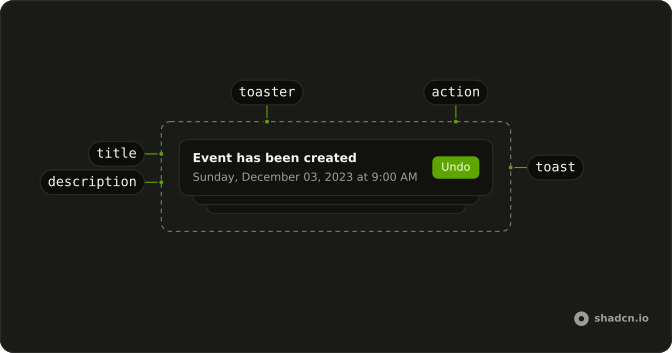
Anatomy
Usage
<>
  <Toaster />
  <Button onClick={handleShowToast} variant="outline">
    Show Toast
  </Button>
</>
FAQ
What does this toast pass?
toast is called with "This toast cannot be dismissed", dismissible: false, and duration: 5000. The 5000 is milliseconds, so the notice lasts 5 seconds.
Can I swipe this toast away?
No. dismissible: false makes the pointer handlers return before a swipe can close it. The duration still removes the toast after 5 seconds.
Does this hide the close button?
This call does not set closeButton. That option is separate, on the toast or on Toaster, and this demo sets neither. If a close button is shown, dismissible: false makes its click do nothing.
Is this the same as a loading toast?
No. toast.loading skips the timer because its type is loading. This demo is a plain toast with a finite duration, so it still closes itself.
API Reference
Sonner
No extra props in this demo. The rest is on the Sonner page.
Button
Sets onClick={handleShowToast} and variant="outline". The rest is on the Button page.