shadcn.io is an independent project built on shadcn/ui
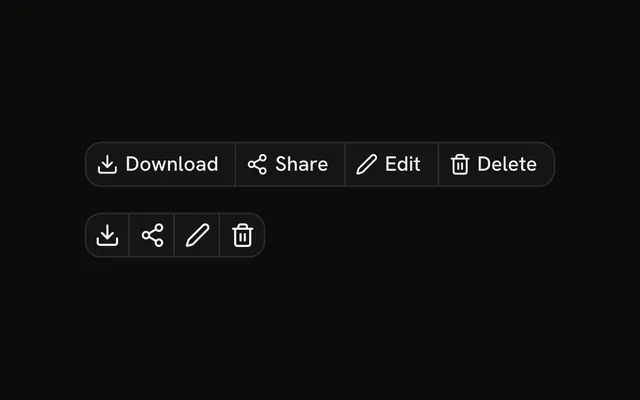
Two toolbars. The first pairs each action with an icon: Select All, Delete, Archive, and Move. The second drops the icons and writes the count in the label: Select All (12), Delete (3), and Archive (3). The counts are fixed.
Show this once rows are selected, and disable it when the count is zero. If delete cannot be undone, confirm in an Alert Dialog. In Svelte, Ark UI does not count the selected rows.
Installation
Anatomy

Usage
<div class="flex flex-col gap-4"><ButtonGroup aria-label="Bulk actions"><Button size="sm" variant="outline"><CheckSquareIcon aria-hidden="true" data-icon="inline-start" />Select All</Button><Button size="sm" variant="outline"><Trash2Icon aria-hidden="true" data-icon="inline-start" />Delete</Button><Button size="sm" variant="outline"><ArchiveIcon aria-hidden="true" data-icon="inline-start" />Archive</Button><Button size="sm" variant="outline"><FolderIcon aria-hidden="true" data-icon="inline-start" />Move</Button></ButtonGroup><ButtonGroup aria-label="Bulk actions with counts"><Button size="sm" variant="outline">Select All (12)</Button><Button size="sm" variant="outline">Delete (3)</Button><Button size="sm" variant="outline">Archive (3)</Button></ButtonGroup></div>FAQ
What is in the first group?
Select All, Delete, Archive and Move. Each is a Button with size="sm", variant="outline" and an icon before the label. Nothing in the file runs those actions.
Where do the numbers in the second group come from?
They are written into the labels: Select All (12), Delete (3) and Archive (3). Build those strings from your selection so they stay in step with it.
Are the icons announced?
No. Each icon has aria-hidden="true", so the button is read by its label alone.
Should the buttons be disabled when nothing is selected?
Usually, yes. This demo always shows them enabled. Disable Delete, Archive and Move when the selection is empty. Pass disabled.
Should Delete ask for confirmation?
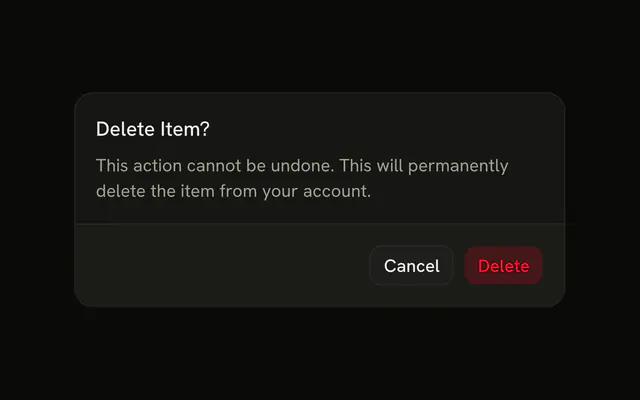
For a bulk delete, yes. Open an Alert Dialog from Delete before removing anything. This demo has no confirmation step.
What if the row doesn't fit?
Four labeled buttons need room. On a narrow screen, keep the most used actions and move the rest into a menu, as the Overflow Menu example does.
API Reference
Button Group
Sets aria-label="Bulk actions" and aria-label="Bulk actions with counts". The rest is on the Button Group page.
Button
Sets size="sm" and variant="outline". The rest is on the Button page.