shadcn.io is an independent project built on shadcn/ui
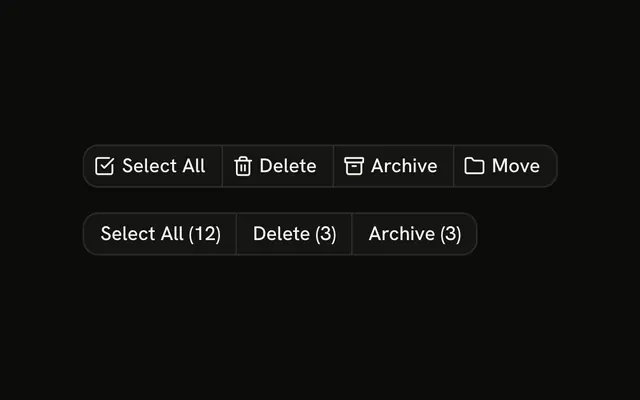
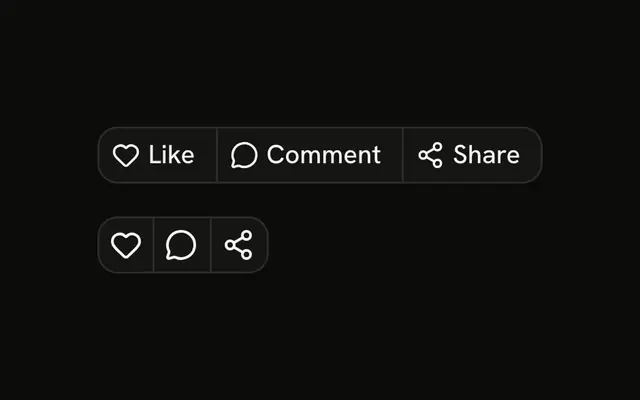
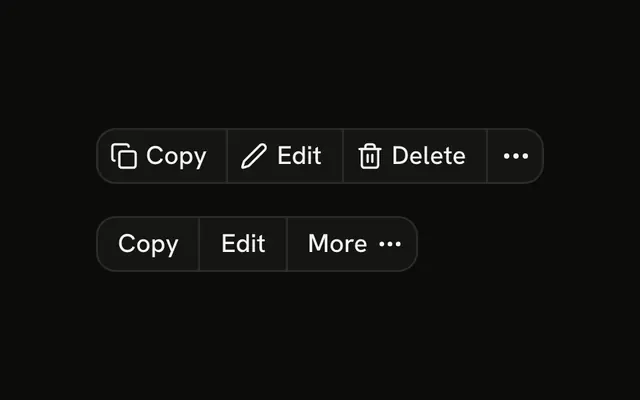
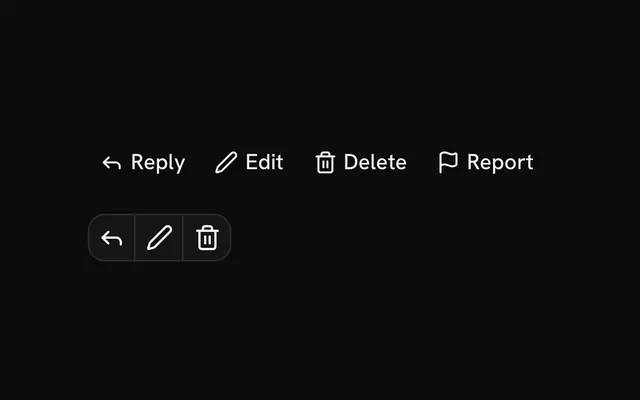
The same four file actions, twice. The first row spells them out. The second is icon-only, and each button has its own name. Delete looks like the others. The rows do not share state, and none of the buttons run.
Use the labels on a file page and the icons in a table cell. A name that shows only on hover can be a Tooltip. In Svelte, Ark UI does not download, share, or delete the file.
Installation
Anatomy

Usage
<div class="flex flex-col gap-4"><ButtonGroup aria-label="File actions"><Button size="sm" variant="outline"><DownloadIcon aria-hidden="true" data-icon="inline-start" />Download</Button><Button size="sm" variant="outline"><Share2Icon aria-hidden="true" data-icon="inline-start" />Share</Button><Button size="sm" variant="outline"><Edit2Icon aria-hidden="true" data-icon="inline-start" />Edit</Button><Button size="sm" variant="outline"><Trash2Icon aria-hidden="true" data-icon="inline-start" />Delete</Button></ButtonGroup><ButtonGroup aria-label="File actions"><Button aria-label="Download" size="icon-sm" variant="outline"><DownloadIcon aria-hidden="true" /></Button><Button aria-label="Share" size="icon-sm" variant="outline"><Share2Icon aria-hidden="true" /></Button><Button aria-label="Edit" size="icon-sm" variant="outline"><Edit2Icon aria-hidden="true" /></Button><Button aria-label="Delete" size="icon-sm" variant="outline"><Trash2Icon aria-hidden="true" /></Button></ButtonGroup></div>FAQ
What is in the labeled row?
Download, Share, Edit and Delete. Each has an icon before the label, size="sm" and variant="outline". None of them have a click handler.
How is the icon-only row named?
Each Button has an aria-label with the action's name and size="icon-sm". The icons have aria-hidden="true", so only the label is read.
Is Delete styled differently?
No. It uses the same variant="outline" as the others, so the joined border stays even. Confirm the delete in a dialog rather than relying on a red button.
Do the two rows share state?
No. They are two layouts of the same actions, stacked with gap-4. Nothing in the file is stateful.
Should the icon buttons have tooltips?
For people using a mouse, a Tooltip with the same words as the aria-label helps. The demo leaves them out.
API Reference
Button Group
Sets aria-label="File actions". The rest is on the Button Group page.
Button
Sets size="sm", variant="outline", aria-label="Download", size="icon-sm", aria-label="Share" and aria-label="Edit". The rest is on the Button page.