shadcn.io is an independent project built on shadcn/ui
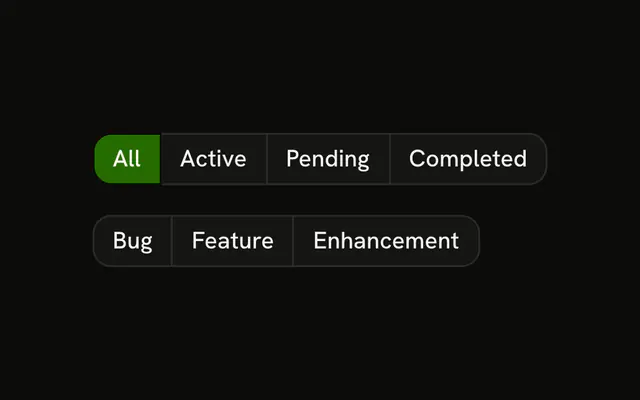
Two segment rows, and they do not share a value. The first is Overview, Analytics, Reports, and Settings, starting on Overview. The second is Day, Week, Month, and Year, starting on Week. Only the selected button is filled. No panel changes.
Use ghost segments when the row should stay quiet. If each choice reveals its own panel, use Tabs. In Svelte, Ark UI does not show a panel for the selected segment.
Installation
Anatomy

Usage
<div class="flex flex-col gap-4"><ButtonGroup aria-label="Section">{#each TABS as item (item.value)}<Button aria-pressed={tab === item.value} onclick={handleTab} size="sm" value={item.value} variant={tab === item.value ? "default" : "ghost"}>{item.label}</Button>{/each}</ButtonGroup><ButtonGroup aria-label="Period">{#each PERIODS as item (item.value)}<Button aria-pressed={period === item.value} onclick={handlePeriod} size="sm" value={item.value} variant={period === item.value ? "default" : "ghost"}>{item.label}</Button>{/each}</ButtonGroup></div>FAQ
How is each selection tracked?
Each group has its own value, overview and week. Each button carries its own value, and pressing it stores that value for its group.
Why ghost and not outline?
variant="ghost" shows no edge until hover, so the row reads as one strip with a single filled segment. Use outline if the options should look like separate buttons.
Should Overview, Analytics and Reports be Tabs?
If they switch panels on the page, yes: Tabs link each trigger to its panel and handle Arrow keys. Use buttons when the choice changes a setting rather than which panel is visible.
API Reference
Button Group
Sets aria-label="Section" and aria-label="Period". The rest is on the Button Group page.
Button
Sets aria-pressed={tab === item.value}, onclick={handleTab}, size="sm", value={item.value}, variant={tab === item.value ? "default" : "ghost"} and aria-pressed={period === item.value}. The rest is on the Button page.