shadcn.io is an independent project built on shadcn/ui
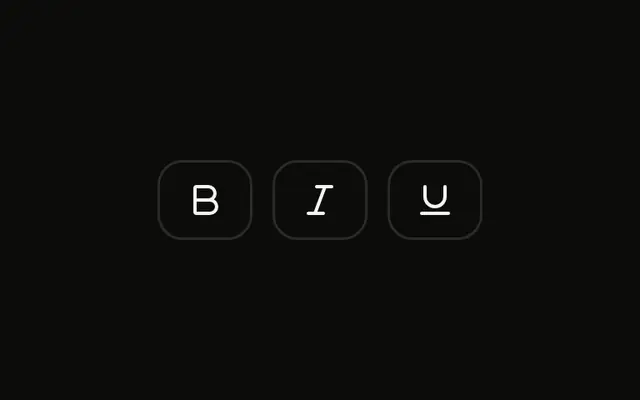
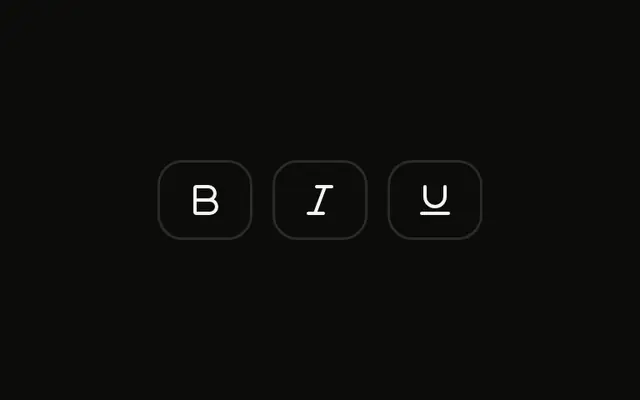
Three icon buttons for bold, italic and underline, spaced as separate buttons. Several can be pressed at once. None start pressed.
Use a group that allows several presses for formats that combine, such as bold and italic. Alignment belongs on a Radio Group if only one may be on. On Svelte, Ark UI does not combine the formats in the text.
Installation
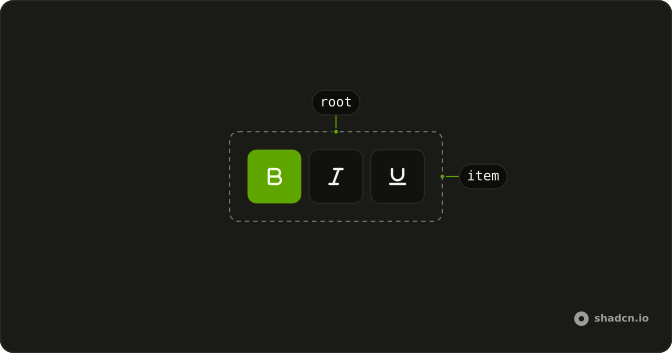
Anatomy
Usage
<ToggleGroup aria-label="Text formatting" multiple><ToggleGroupItem aria-label="Toggle bold" value="bold"><BoldIcon aria-hidden="true" /></ToggleGroupItem><ToggleGroupItem aria-label="Toggle italic" value="italic"><ItalicIcon aria-hidden="true" /></ToggleGroupItem><ToggleGroupItem aria-label="Toggle underline" value="underline"><UnderlineIcon aria-hidden="true" /></ToggleGroupItem></ToggleGroup>FAQ
How does multiple selection work differently from single selection?
With multiple selection, each item is pressed or not on its own, like a set of checkboxes: bold and italic can both be on. With single selection, pressing one item releases the others, like radio buttons, which suits a choice such as text alignment in the Single Selection Toggle Group example.
Add multiple for multiple selection; without it, the group allows one pressed item.
Why are the toggle group items spaced apart instead of connected?
The group's spacing sets the gap between items, and it defaults to 2, so each item is a separate button. Set spacing to 0 to join them into one segmented bar: the touching corners square off, and with the outline variant the items share their borders.
How do I control the value of the toggle group?
Keep the pressed values in your own state and pass them back to the group, so other parts of the page can read or set the formatting.
value is an array of item values; onValueChange receives details.value.
Can I dynamically render toggle group items from an array?
Yes. Keep the options in an array of objects, each with a value, a label and an icon, and render one ToggleGroupItem per entry with the label as its aria-label. Adding or removing an option is then a change to the data, and you can filter the array, for example to the formats a user is allowed to apply.
How do I access which items are currently active?
Listen to the group's change event or control its value; the pressed items come as a list of their values, empty when nothing is pressed, so checking whether bold is on is a lookup in that list. For a form, keep the value in state and submit it from there.
Are toggle groups accessible to screen readers and keyboard users?
Yes. The group is a single Tab stop; the arrow keys move between items, and Space or Enter presses the focused item. Each item is announced with its aria-label and whether it's pressed, and the group itself has an aria-label, Text formatting, so the toolbar has a name.
API Reference
Toggle Group
Sets aria-label="Text formatting", multiple, aria-label="Toggle bold", value="bold", aria-label="Toggle italic" and value="italic". The rest is on the Toggle Group page.