shadcn.io is an independent project built on shadcn/ui
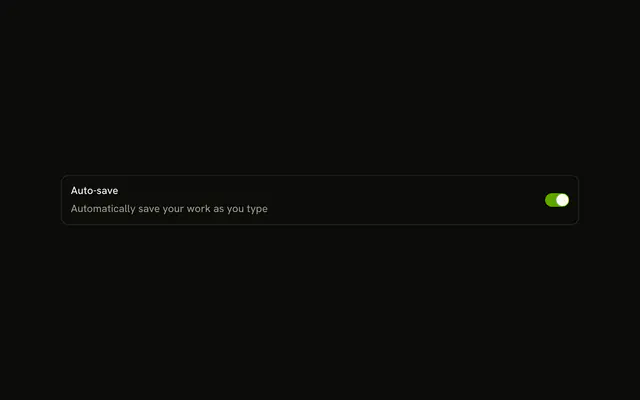
One switch is on screen. It starts off, looks faded, and cannot be toggled. There is no visible label. Its accessible name is Bluetooth.
Use it when a plan or role blocks the setting, and say why in text beside it. A choice that submits later fits a Checkbox. In Svelte, Ark UI fades the switch and takes it out of the tab order.
Installation
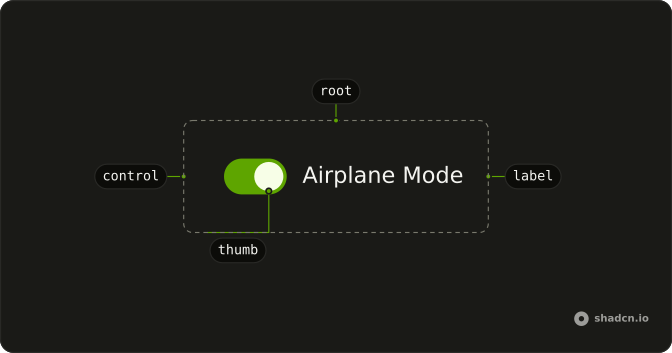
Anatomy
Usage
<Switch aria-label="Bluetooth" disabled />FAQ
How is this switch disabled?
The demo disables the Switch. That sets data-disabled, which fades it to half opacity and sets cursor-not-allowed, and the switch leaves the tab order.
The prop is disabled.
How do I tell people why it is disabled?
Say it in text near the switch, such as a FieldDescription under its label. A disabled control can't take focus, so a tooltip on the switch itself won't open from the keyboard.
How do I control this switch in Svelte?
Nothing in this file sets the on state, so the switch starts off and keeps its own state. To control it, keep the on or off state in your own state and pass it back. To start it on, use the default prop.
The prop is defaultChecked.
Pass checked; onCheckedChange receives details.checked.
What do screen readers call this switch?
It has no visible label, so the demo passes aria-label (Bluetooth). Change it to the setting the switch controls, or use a visible FieldLabel instead.
API Reference
Switch
Sets aria-label="Bluetooth" and disabled. The rest is on the Switch page.